Why EDI Data Quality Is Central to Decision Intelligence
Decision intelligence platforms in healthcare payers combine operational data, business rules, analytics, and automation. Examples include surfacing risk trends in new enrollments, identifying claim bottlenecks, or flagging delays between submission and acknowledgment. However, when source EDI data is inconsistent, incomplete, or untraceable, decision platforms produce unreliable results and more troubleshooting than insight.
Analytic accuracy breaks down when identifiers are dropped, dates are misaligned, or response files are lost in a silo. Teams then rehash disagreements over numbers instead of making improvements. This underlines why data preparation—cleaning, standardizing, and linking transactions—is a first-order requirement for payer analytics.
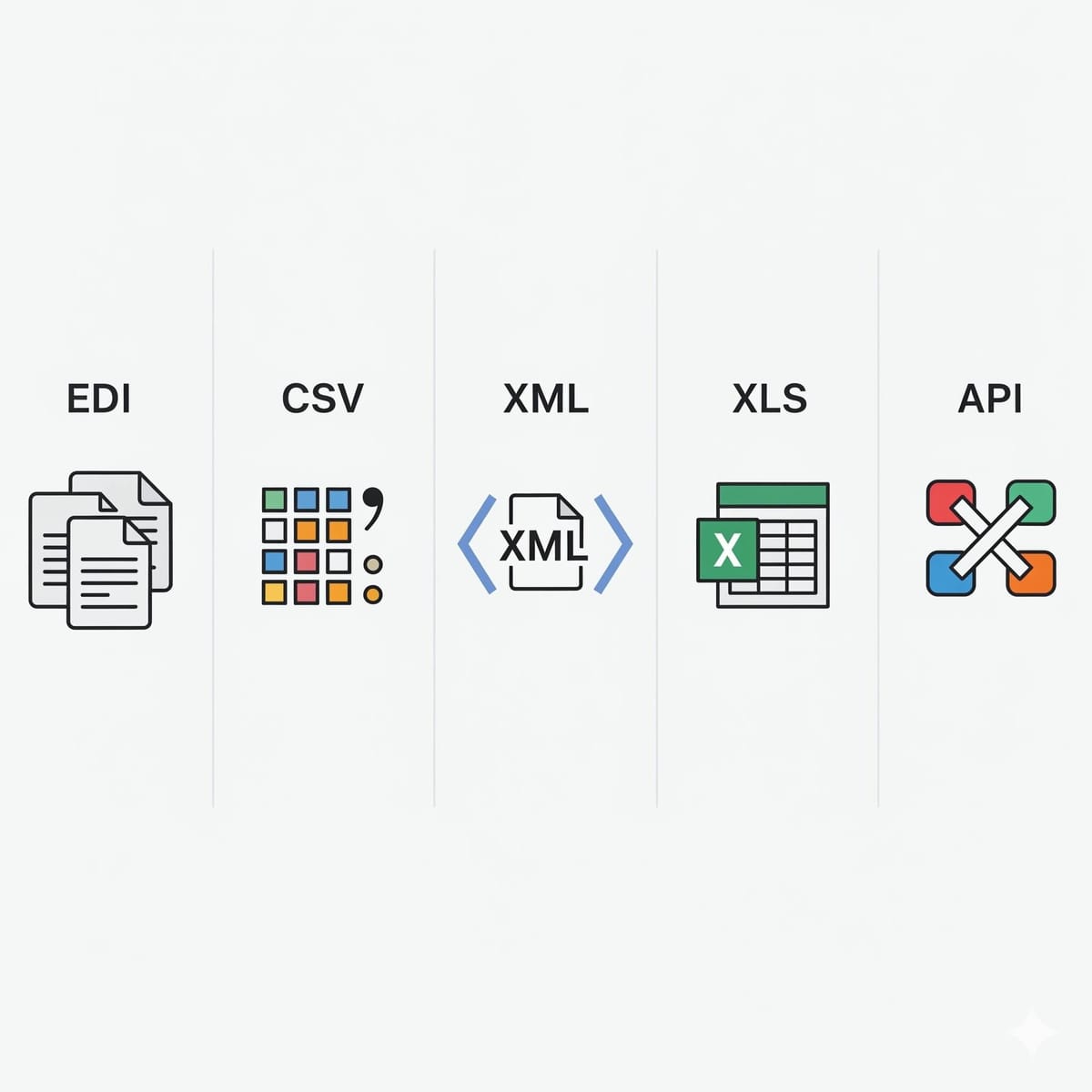
Healthcare EDI systems add complexity: payers must process X12 files, CSVs, positional layouts, XML, flat-file APIs, and partner variations. Any friction during intake or mapping can disrupt performance metrics, customer service answers, and claims visibility. A unified pipeline avoids these pitfalls and forms the backbone for analytics, reporting, and automation.
Key Healthcare EDI Sources for Decision Support
Enrollment and eligibility data
The 834 EDI transaction brings details for subscriber enrollment: names, coverage dates, group and plan codes, relationships, and qualifying events. Additional context comes from 270/271 eligibility flows, as well as files from brokers or internal HR systems. Standardized enrollment data allows teams to answer questions around exception rates, root causes of downstream claim issues, coverage gaps, and partner performance.
- Volume and cause of enrollment exceptions by partner group
- Patterns of missing, overlapping, or mismatched maintenance actions
- Speed of enrollment file intake, validation, and resolution
Claims and claim status data
The 837 transaction, in its professional, institutional, and dental variants, contains billing, clinical, and payment information. 277 status files track whether a claim was accepted, rejected, or pended and why. Linking claims to their validation status, acknowledgments, and payment records lets operations leaders monitor efficiency and rapidly find the true root cause behind payment delays.
- Queue prioritization, denial trends, and partner comparisons
- Visibility into each claim’s lifecycle from submission to resolution
- Detection of bottlenecks caused by claim rejections or acknowledgments
Acknowledgments and response files
Transactions like 999 acknowledgments provide critical visibility into syntax and guide-level errors that affect file loading. Well-prepared analytics depend on tracking file status not only as technical events but as operational signals for eligibility, claims, and customer service teams.
- Detailed tracking at interchange, group, segment, and element level
- Partner and error-code mapping for rapid resolution
- Capturing time stamps for receipt, processing, and closing the loop on file disposition
A Stepwise Model for Reliable EDI Data Preparation
Preparing healthcare EDI for analytics and decision intelligence is best managed through layered processes. Each step should stand alone with clear accountability, controls, and verifiable output.
1. Inventory every source and touchpoint
Start with a master register of every inbound and outbound transaction: file type, partner, schedule, transport, volumes, format, file-naming pattern, business owner, system destination, and retention rules. This inventory helps ensure all relevant data is included and mapped properly across formats and workflows.
2. Preserve original source records
Every EDI file loaded for analytics or decision support should be stored with its metadata, source partner, timestamps, and sequence numbers. Keeping original records makes it possible to trace business metrics back to their source, vital for both audit and reconciliation. Do not rely on filenames alone since partners may reuse naming or submit corrections.
3. Parse and validate comprehensively
Parsing transforms files into structured elements, while validation confirms each transaction’s usability. Validation runs at four levels:
- Structural: envelopes, delimiters, segment order, syntax
- Implementation guide: loops, codes, mandatory segments
- Business: payer-plan rules, allowable maintenance, identifiers
- Data quality: duplicates, missing fields, relationship errors
Actionable error output is key. Exception reporting should show record, severity, rule, and next action so teams can resolve quickly—something Payer Control delivers natively within its platform.
4. Normalize into a canonical business model
Create a translation layer that represents members, claims, dependents, plans, coverage segments, and other real-world entities, independent of file format or partner idiosyncrasies. For every normalized field, keep the source context for tracing changes and resolving disputes.
5. Enrich with business logic and classifications
Supplement EDI source fields by enriching them with business context: mapping partner ids to organization names, coding products by line of business, categorizing errors, and assigning processing statuses. Also, calculate timeline data such as receipt-to-load elapsed time, linking related transactions by identifier where possible. This enables operational analytics to reflect real performance drivers.
6. Reconcile, verify, and publish governed data
Before exposing any record to analytics or business users, confirm the full flow from source through each step. Use control totals, record counts, and error breaks to reconcile intake and output. In cases like 10,000 records processed with 100 rejections and 50 pending corrections, make sure these distinctions are preserved and visible.
Designing Data Models That Connect the Entire Event Lifecycle
Actionable decision intelligence relies on connecting files across their lifecycle. Each 837 claim or 834 enrollment record should be joinable to its acknowledgments, edits, customer-service exceptions, payments, and corrections. Stable identifiers at each level—file, member, claim, plan—enable both granular traceability and big-picture analytics.
- Align source file identifiers, claim and member IDs, and batch controls
- Capture links between original, corrected, and response records
- Expose complete audit trails for regulatory and operational needs
For a deeper dive on this principle, especially regarding audit requirements, see our guide: Why Real-Time Audit Trails Are Essential for Healthcare EDI Compliance.
Operational Metrics That Enable Effective Decision Intelligence
Start with practical, action-oriented metrics that reveal exception points and guide prioritization. Metrics to establish include:
File acceptance rate
Accepted files divided by received files, broken down by partner, product, or type, helps you catch subtle patterns missed by global averages.
Record exception rate
Tracks the share and volume of enrollment or claim records needing manual attention or correction.
Time to resolution
Focus on the time from exception flagging to correction, using medians and percentiles to highlight severe bottlenecks.
Processing latency
Measure step intervals: receipt-to-validation, load-to-response, to uncover slowdowns in transmission or system ingest.
Reconciliation completeness
Verify that each count from source through load to report matches, triggering alerts if there are discrepancies or missing items.
For detailed guidance on EDI metrics, see KPIs That Drive EDI Success in Health Insurance.
Phased Rollout: A 90-Day Plan for Successful EDI Data Readiness
Enterprises do not need to convert every department and transaction on day one. Many organizations find value in starting with a focused, 90-day pilot:
Days 1–15: Target a high-impact use case
- Choose a specific business problem (e.g., enrollment exceptions or claim rejections)
- Define executive and operational stakeholders
- Select one transaction type and two to five trading partners as a pilot set
Days 16–30: Collect and profile source data
- Gather 90 days of representative files and responses
- Map field requirements to business outcomes
- Document each step’s data ownership
Days 31–55: Build and validate pipeline controls
- Ingest, parse, and store original files
- Automate validation and canonical mapping
- Produce lineage and error detail for every record
Days 56–75: Reconcile, user-test, and secure
- Verify counts at each pipeline step
- Test access, logging, and error handling
- Ask business users to vet operational records
Days 76–90: Launch, refine, and expand
- Publish dashboards and exception alerts
- Monitor metrics weekly and adjust as needed
- Prioritize next phase based on pilot results
Security, Compliance, and Governance: Foundation for Trusted Analytics
Healthcare EDI includes sensitive, HIPAA-protected details. Security and governance must be built in from day one:
- Encrypt data at rest and in transit
- Use multifactor authentication, role-based access, and minimal data exposure by role
- Retain detailed audit trails of all mappings, validations, and access events
- Document metric definitions, published sources, refresh schedules, and exception workflow ownership
- Version business rules and mappings as partners update their processes
For a compliance-focused perspective, read HIPAA EDI Process Flow: From Eligibility to Claims Payment with Controls That Auditors Love.
Common Mistakes to Avoid in EDI Data Preparation
Building dashboards before aligning data definitions
Rushing to visualization without clear metrics and data preparation results in misleading analytics. Finalize business rules first; dashboards follow.
Flattening complex EDI before mapping
Do not flatten hierarchical claim or enrollment data too early. This destroys valuable relationships, leading to error-prone reporting. Retain structure until analytics mapping.
Dropping records with errors or rejections
Rejected or exception records are a treasure trove for process improvement. Keep them visible and categorized in all dashboards and operational reporting.
Over-relying on averages
Averages hide spikes and trends. Use medians, percentiles, and segmented views for partner-specific or process-specific insights.
Treating mapping updates as one-time projects
Partner file layouts, business rules, and codes will change. Make versioning, approval workflows, and regression testing part of your operation. For useful guidance on handling mapping updates, see Payer Companion Guide Changes: A Version-Control Workflow for EDI Teams.
How Payer Control Supports Decision-Ready EDI Data for Payers
Payer Control enables healthcare insurance organizations to standardize and govern EDI data—spanning 834, 837, 990, 277, CSV, XML, and more—for true enterprise visibility. With real-time monitoring, custom validations, enriched audit trails, and robust reporting, you can bring complex multi-format partner data directly into analytics pipelines and business dashboards. Our platform ensures compliance, integrates with existing claims systems, and makes exception management straightforward.
- Automated file tracking and monitoring for all major healthcare EDI formats
- Deep, actionable validation of syntax and business rules
- Unified dashboards and reporting tailored for business and technical users
- Role-based, secure data access for enrollment, claims, and service teams
- Instant exception alerts and correction workflows for higher reliability
- Scalable integrations with leading platforms and claims management systems
If your organization is ready to advance from manual reconciliation or siloed spreadsheets to decision-ready analytics, Payer Control offers the proven path forward.
Frequently Asked Questions
What healthcare EDI data should I prioritize for analytics?
Begin with the transaction type most closely tied to operational challenges—typically 834 enrollment files or 837 claims and their responses. Prioritizing these helps payers address the highest-impact workflow first and builds a foundation for expanding to other types.
Is it necessary to retain raw EDI files after mapping?
Yes, always store original files with their partner and metadata. Retaining raw source data speeds troubleshooting, auditing, and compliance and underpins data lineage throughout the analytics journey.
What is the difference between EDI translation and normalization?
EDI translation makes a file readable and structured according to its technical standard, while normalization brings different file formats into a unified business data model to allow direct comparison and analytics across sources.
How do I prove my dashboard metrics accurately reflect underlying data?
Track record-level lineage, use robust reconciliation controls, and document your metric definitions. Business users should be able to trace a metric from dashboard view to normalized data and back to the original source file as needed.
How quickly can a payer organization implement a decision intelligence pilot for EDI?
Many payers achieve meaningful pilots in 90 days when focusing on a single outcome with a manageable data scope. Full roll-outs are best staged by transaction, department, or use case.
Building a Foundation for Confident Decision-Making
Stronger decision intelligence starts with disciplined healthcare EDI data preparation—preserving original data, validating at multiple levels, normalizing to business models, linking related records, and applying strict governance. When these foundations are in place, analytics become faster, more reliable, and directly usable by operations, claims, and compliance teams.
If your payer organization wants to move from patchwork EDI processes to a governed, analytics-ready model, Payer Control is ready to help. To discuss your data standardization, exception monitoring, and integration requirements, contact us at 877-551-9050 or info@boldvan.com, or schedule a demonstration on our website.