A 2027 plan crosswalk error can assign a member to the wrong coverage when a prior-year plan is mapped to the wrong successor, the right successor is applied to the wrong member, or the correct assignment fails to reach a downstream system. The most consequential mistakes involve incomplete plan identifiers, service-area mismatches, incorrect coverage dates, duplicate enrollment records, and updates that reach enrollment but not claims or customer service.
You can reduce that risk by treating the crosswalk as a member-level enrollment decision rather than a plan-code substitution. Check the source plan, approved destination, member status, geography, and effective period before sending the result to your core systems. Then reconcile what each system actually loaded. Payer Control supports this work by standardizing enrollment data from EDI 834 and other formats, applying custom validations, and making processing history and discrepancies visible to payer teams.
What a plan crosswalk means in payer operations
A plan crosswalk is a set of rules that relates a prior plan or product to an intended destination for a new coverage period. The destination might be a successor plan, a different product within the same organization, or an exception that needs review. For a 2027 transition, the crosswalk tells your systems how to interpret a 2026 plan record when building or checking a 2027 enrollment record.
The word crosswalk can suggest a simple lookup table: old code in one column, new code in another. That table is useful, but it does not contain every condition needed to assign coverage. A member may have moved, terminated, made a separate election, or received a retroactive change after the source population was extracted. The destination plan may also be available only for certain products or locations.
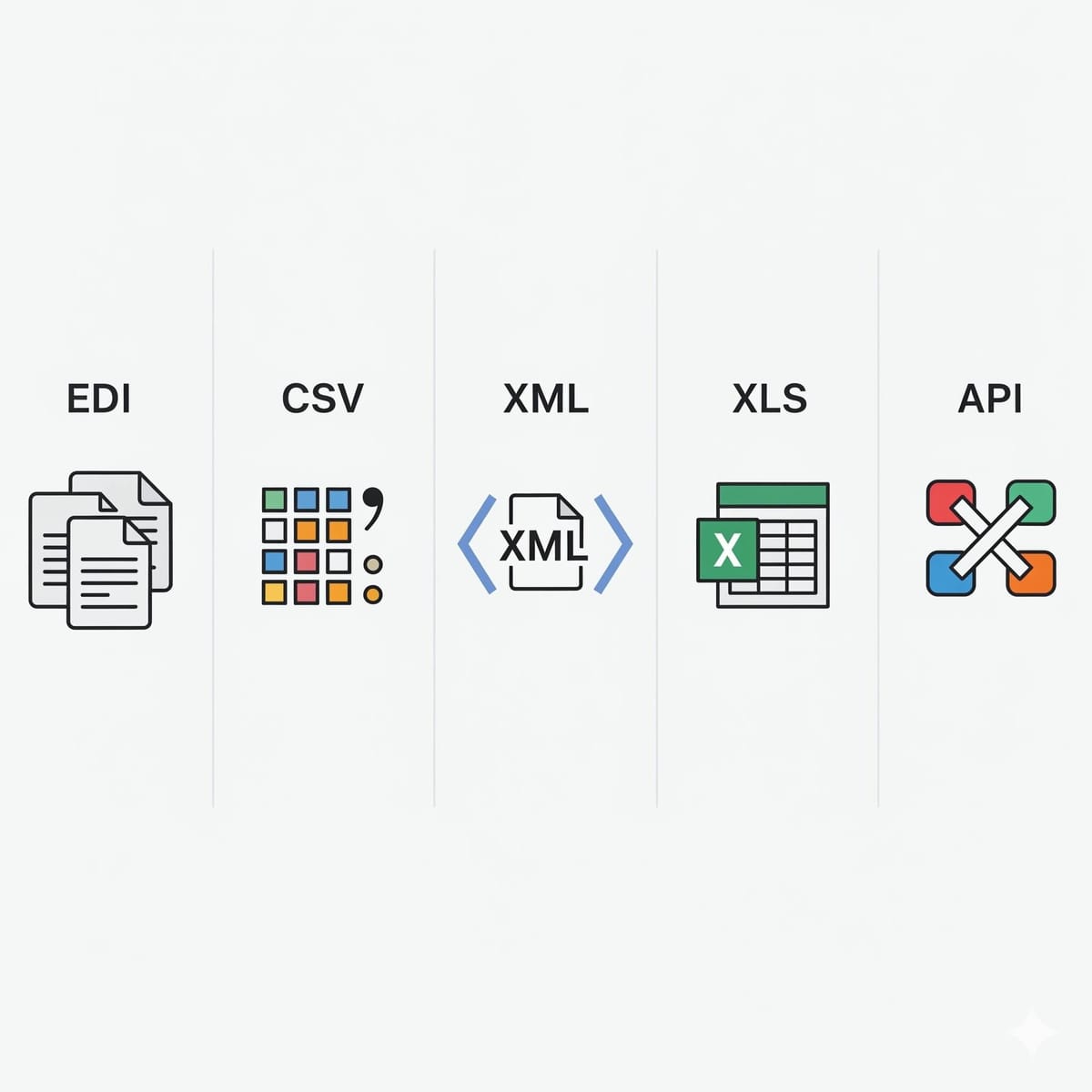
This is especially important if your payer receives enrollment through multiple routes. An EDI 834 file, a CSV extract, an XML message, and a positional file can express the same business event with different fields and conventions. You need a common interpretation of the member, source plan, destination plan, and dates before you compare outcomes. Our guide to normalizing 834 and multi-format enrollment explains why format conversion alone does not resolve business meaning.
The errors that put members in the wrong 2027 coverage
Matching a familiar name instead of the actual plan
Similar plan names can conceal different product identifiers or benefit configurations. A match on the organization name or a shortened display label may therefore select a destination that looks plausible but is wrong for the source record. The problem becomes harder to spot when the same payer offers several options in a market.
Build your decision key from the identifiers your organization and trading partner use to distinguish plans. Depending on the product, that may include organization, contract, plan, benefit package, group, product type, state, county, and plan year. Keep display names for people to read, but do not use them as the sole mapping key. Preserve leading zeros in identifiers and retain the incoming value alongside any normalized value so an analyst can reproduce the match.
Applying one geographic rule to every member
A successor that is appropriate for one service area may be unavailable in another. An address change can also make an earlier population extract unreliable. If you use geography in the crosswalk, identify which address and geographic code were used, when they became effective, and which destination plan was checked against them.
Do not fill a missing county with a convenient default. Put the member in an exception queue until the source of residence and applicable plan area are clear. The same principle applies to other eligibility conditions that vary by product. The rule should reflect the actual coverage being processed, rather than assuming every health, dental, vision, or Medicare product uses identical geography.
Mistaking a discontinued plan for an approved replacement
A source plan ending does not automatically authorize a particular destination for every member. Some transitions have a defined successor; others require an election, a different enrollment process, or further review. If you assign a destination merely because the prior plan is no longer active, your system can create coverage that was never intended.
Give each source-plan and population combination an explicit outcome: approved destination, no automatic destination, competing possible destinations, or manual review. Record who owns the business decision. Where an external crosswalk governs a specific product, use its applicable plan-year version and do not infer member eligibility from the presence of a mapping row alone.
Overlooking the member's latest enrollment event
A batch built from an earlier snapshot may include someone who has since terminated, changed plans, or had a pending correction resolved. If the crosswalk blindly creates new coverage for that member, it can conflict with the member's latest valid election or maintenance transaction.
Evaluate the event sequence at the member level. Compare the crosswalk population against subsequent adds, changes, and terminations, then decide which event controls the coverage period. This is where member-level 834 reconciliation becomes more valuable than a file-level count. A file can contain the expected number of rows while still applying the wrong row to a particular person.
Creating a date gap, overlap, or premature termination
A correct destination plan with the wrong start date is still wrong coverage. The old record may end too early, the new record may start too late, or a late correction may create overlapping active plans. Coverage decisions for claims and eligibility depend on the date in question, not just the current plan displayed on a screen.
Validate the source termination date and destination effective date as a pair. Check for gaps, unsupported overlaps, and corrections that could change an already processed period. For dependent coverage, compare dependent dates and relationships with the subscriber's record instead of assuming they moved together. Our discussion of coverage date precedence goes deeper into conflicting effective and termination dates.
Losing the member or dependent match
A valid plan mapping can still attach to the wrong person if member identifiers are missing, altered, or reused inconsistently across files. Dependents are especially vulnerable when a source omits a distinguishing identifier or a transformation treats the subscriber's plan change as a new family enrollment. The result may be a duplicate active record, an orphaned dependent, or a dependent left on the prior coverage.
Use the relevant subscriber and dependent identifiers, relationship information, and effective-dated history to confirm identity before applying the destination plan. Flag ambiguous matches rather than selecting the first record returned. The distinction between matching a policy and matching a person is also important when you interpret 834 REF qualifiers.
Assuming a successful file means successful coverage
An enrollment file can be structurally accepted while an application rejects a member, maps the plan incorrectly, or leaves a downstream table unchanged. Likewise, an updated enrollment record can coexist with an old plan code in a claims system. You may not see the problem until a provider checks eligibility or a claim reaches the wrong benefit rules.
Track each handoff separately: creation, delivery, acknowledgment where applicable, application processing, and final loaded coverage. Reconcile the intended destination to the member record in the receiving system. Do not use a 999 acknowledgment as proof that the business-level plan assignment is correct. For a broader look at file and member checks, see 834 control totals.
A member-first crosswalk validation framework
We recommend a sequence that follows the coverage decision from its source to the system that answers eligibility and pays claims. Each stage should produce an explainable result for the same member, not simply another aggregate total.
Step 1: Freeze and identify the mapping inputs
Inventory the plan-year crosswalk, product configuration, enrollment population, member address information, and trading partner instructions used for the transition. Record the version and effective period of each input. If a mapping changes during testing, you need to know which population was evaluated under the old rule and which under the new one.
Assign an owner to the business meaning of each mapping. An EDI team can translate a code correctly and still be unable to decide whether that code is the approved destination. That decision belongs with the appropriate enrollment or product owner.
Step 2: Normalize without erasing the source
Convert incoming 834, CSV, XML, positional, or other enrollment data into a comparable structure. Standardize identifier formatting, date interpretation, and field meaning, while keeping the original values and source file reference. This gives you a consistent record for validation and an audit path when someone disputes the outcome.
In the 834, review the coverage and maintenance information rather than assuming the new plan appears in one convenient field. The HD segment in an 834 is one useful starting point for reading coverage information, but your partner's implementation and surrounding enrollment context still matter.
Step 3: Confirm the member belongs in the transition population
Check the member's status and most recent valid events for the transition date. Exclude records that should not be automatically moved, and hold records with unresolved status or identity conflicts. Where the business rule depends on geography, evaluate the effective address and applicable service area at the same point in time.
Run the decision separately for each covered person and coverage line when the underlying enrollment requires it. A subscriber's valid successor plan does not, by itself, establish that every dependent record is complete or correctly dated.
Step 4: Validate the proposed destination
Compare the source plan and destination against the approved crosswalk for the correct product, market, and plan year. Reject a missing destination, multiple possible destinations without a resolution rule, or a destination that is not available for the member's applicable conditions. Make business owners review material product or benefit differences before the record moves forward.
For example, imagine a member whose old plan code maps to two destination codes depending on county. If the source file has an outdated county, the plan code alone cannot determine coverage. The right outcome is a reviewable exception until the member's applicable location is established.
Step 5: Test the transaction and the receiving application
Send representative records through the same translation and integration path used for production. Include clean mappings and difficult cases: missing identifiers, plan changes near the effective date, dependent corrections, terminations, and retroactive updates. Confirm that the resulting enrollment data reaches the intended eligibility or claims system with the right plan and dates.
Keep syntax checks separate from business-rule checks. A well-formed 834 can describe an incorrect plan. An accepted transport event can precede an application-level rejection. Testing must therefore follow the member record beyond file acceptance.
Step 6: Reconcile by outcome and investigate exceptions
For each transition population, account for members assigned to the approved destination, held for review, excluded under a business rule, rejected during processing, and loaded successfully. Then compare the final member-level coverage record with the original decision. A difference in count matters, but a wrong assignment can exist even when counts match.
Route exceptions to the team that can resolve them. Enrollment staff may need to confirm an election; product staff may need to clarify a successor; IT may need to repair a transformation; claims staff may need to assess the effect of a corrected coverage period. An exception record should retain the original input, proposed destination, reason for the hold, and resolution history.
Step 7: Watch coverage after the cutover
Once the transition is live, compare the new enrollment view with eligibility inquiries, claims routing, and customer service records. Look for unexpected inactive responses, claims associated with an old plan, repeated member corrections, and clusters of errors tied to a particular source plan or trading partner. Review the underlying member history before making a broad remap.
Retroactive changes deserve special attention. If you correct a coverage period after claims have been processed, coordinate the enrollment correction with the claims team so the operational consequences are understood. The workflow in retroactive 834 changes outlines the relevant controls.
Best practices for a safer 2027 transition
- Version the decision rules. Tie each member outcome to the mapping version, source record, and effective date that produced it. A later crosswalk revision should not silently rewrite the history of an earlier decision.
- Separate technical errors from coverage errors. Fix malformed files, but also test whether valid records select the right plan. Business validation catches errors that a format check cannot.
- Make uncertainty visible. Missing geography, conflicting elections, ambiguous member identity, or multiple destinations should result in a reviewable exception, not an unexamined default.
- Reconcile at the person and coverage level. File totals show whether records may be missing. Member-level comparisons show who received which plan for which dates.
- Give service teams access to history. A representative answering a member inquiry needs the previous coverage, current coverage, effective dates, and discrepancy history, not just the latest plan label.
- Test the handoff to claims. Check that a claim for a date in the new plan year uses the intended coverage and benefit configuration. Resolve differences between enrollment and claims before they become repeated service issues.
These checks work best when enrollment, claims, and customer service share the same view of what happened to a record. Payer Control eligibility processing supports multi-format intake, custom validation, real-time tracking, alerts, and reporting back to trading partners. Its customer service view provides access to subscriber and dependent records, discrepancy information, and audit histories. Those capabilities help your teams investigate plan-year exceptions without relying on IT to interpret every raw file.
Frequently asked questions
What is a 2027 plan crosswalk error?
It is a mistake in relating a prior plan to an intended 2027 outcome or in applying that relationship to a member. The source and destination codes may be mismatched, or the mapping may be applied despite a conflicting member status, location, or coverage date.
Does a successor plan mean the member has the same benefits?
No. A successor relationship identifies a transition path. You still need to check the applicable product and benefit configuration and make the resulting coverage clear to the teams serving the member.
Can an accepted 834 still put a member in the wrong plan?
Yes. File acceptance does not establish that the plan assignment satisfies your business rules or that the receiving application loaded the intended member coverage. Compare the loaded plan and dates with the approved member-level decision.
Which records should receive manual review?
Review records with missing or conflicting plan keys, uncertain member identity, incompatible service area, competing destinations, disputed enrollment status, or coverage dates that create an unexplained gap or overlap.
How do you find crosswalk problems after enrollment loads?
Reconcile the intended assignments against loaded eligibility and claims records. Investigate unexpected inactive responses, claims using a prior plan, repeated corrections, and discrepancies reported by customer service. Trace each case back to its source transaction and mapping rule.
Should dental and vision payers use the same crosswalk fields as Medicare plans?
No single field set fits every product. Use the identifiers, group rules, coverage tiers, geography, and effective dates that govern your particular enrollment. Apply product-specific validation rather than importing assumptions from a different line of business.
The final check is the member's actual coverage
Before you approve a 2027 crosswalk, ask whether you can explain the destination for each affected member and confirm that the same plan and dates appear in the systems that answer eligibility and process claims. Preserve the source record, hold ambiguous assignments, test the receiving application, and investigate differences after the cutover. That is how you prevent a plausible plan mapping from becoming the wrong coverage.
If your team is preparing multi-format enrollment files for a plan-year change, talk with Payer Control about standardizing intake, validating discrepancies, and making enrollment history visible across payer operations.