Member-level reconciliation checks whether each enrollment action in an 834 reached the payer's membership system with the intended result. For every subscriber and dependent add, change, or termination, you compare the authoritative enrollment record, the transmitted transaction, any available processing response, and the resulting coverage record. A delivered file or accepted transaction does not, by itself, prove that a particular member has the right plan or dates.
The practical method is to match people using agreed identifiers, compare the action and coverage details, identify missing or conflicting records, and verify corrections after they load. Payer Control is a useful choice for payers managing this work across 834 and other enrollment formats: its eligibility offering supports format standardization, custom validation, discrepancy alerts, reporting, and access to enrollment records for operational teams.
What member-level reconciliation covers
An 834 is an enrollment and maintenance transaction. It carries information about subscribers, dependents, and benefit coverage. Its member-level data identifies who is affected and the maintenance action being reported; coverage details identify what benefit is affected and when. Your trading partner's companion guide determines how particular actions and fields should be populated for that relationship.
Reconciliation asks a different question from format validation. Validation determines whether data meets syntax, implementation, or configured business rules. Reconciliation determines whether the expected business event appears in the transmitted data and in the payer's processed records. A structurally valid change can still select the wrong plan. A correctly transmitted dependent add can still fail during a later load step.
For a complete check, establish which records are available at each point:
- Intended enrollment: The source system's record of the election or eligibility event, including its effective date.
- Submitted action: The actual 834 member and coverage data, with file and transaction references.
- Processing evidence: An acknowledgment or application response, where available, showing what was received or rejected.
- Resulting membership: An extract or view of the coverage actually held in the payer's system.
If you cannot obtain a processed membership extract, say so in your operating reports. You can reconcile the source to the transmitted file and review available responses, but you cannot claim to have verified the final payer state. That distinction keeps unresolved coverage questions visible.
Match the right person and the right coverage
Identity matching is the first control. Prefer the stable identifier agreed with the trading partner, together with the group or account context when needed. Preserve the subscriber identifier for each dependent. Names and dates of birth help investigate a mismatch, but should not silently replace a missing or conflicting identifier. Two dependents can share a relationship code, and a changed name does not necessarily indicate a new person.
A useful comparison record includes the member and subscriber identifiers, group, relationship, maintenance action, plan or benefit identifier, coverage start and end dates, and a source event reference. Keep enough file context to locate the original action later. Where an identifier changes legitimately, maintain an approved cross-reference rather than treating a loose demographic match as proof.
Match coverage separately from identity. A subscriber may be present in the membership system while a specific dental or vision election is missing. Similarly, a dependent may have one benefit correctly terminated and another still active. A member-level match should therefore answer both questions: Did we find the correct person, and did we find the intended coverage for that person?
For the underlying identifier checks, see our guide to member identification errors in 834 files. When the harder problem is connecting a child or spouse to the correct subscriber, review dependent matching during open enrollment.
Different actions require different comparisons
Adds: confirm that new coverage exists
For an add, check that an eligible subscriber or dependent in the source appears in the outbound 834 with the intended maintenance action and benefit details. Then verify that the processed record contains the expected coverage and effective date. A subscriber add does not prove the dependent add succeeded. Review each affected person and benefit.
If an expected add is missing from the file, look upstream at eligibility selection, source extraction, and mapping. If the add was sent but is absent from membership, inspect the available response and load history. Do not resend immediately without checking whether the original action is still processing; an unexamined retry can create another reconciliation problem.
Changes: compare before and after values
A change can involve a plan election, demographic correction, coverage tier, or another supported attribute. Identify exactly what should have changed, the date on which it should take effect, and what should remain unchanged. Compare the prior membership state with the intended new state, then verify the resulting record.
An apparent duplicate change may be harmless if the desired value is already present, or it may reveal an incorrect member match. Do not decide solely from the maintenance code. Check the actual values. If the plan changes but the effective date does not, the processed result may be wrong even when the response reports acceptance. For details on interpreting action codes, see 834 maintenance type codes.
Terminations: confirm scope and end date
For a termination, determine which person and which coverage should end. Verify the end date under the trading partner's rules, including whether the date represents the last covered day or another convention in the destination system. Compare the transmitted date to the loaded date and check that other household members and benefits remain as intended.
A premature termination may cause an active member to appear ineligible. A missed termination may leave coverage active when it should have ended. Retroactive corrections require particular care because the payer may already have handled eligibility inquiries or claims for the affected period. Our discussion of coverage date precedence explains how to approach conflicting dates without relying on file order alone.
A repeatable reconciliation workflow
1. Define the comparison boundary
List the sending partner, receiving payer, group, products, file schedule, and source of membership truth. Identify whether the feed contains incremental changes, a full snapshot, or both. A missing person in an incremental file does not necessarily indicate termination. The comparison has to respect the feed's purpose and the partner's documented rules.
2. Capture expected actions before transmission
Record the source enrollment events that should produce member actions. Keep each affected subscriber, dependent, and benefit distinct. This lets you detect an event dropped during export, before a response from the payer could ever flag it. Include a source event reference and the values the receiving system is expected to hold.
3. Normalize and inspect the transmitted data
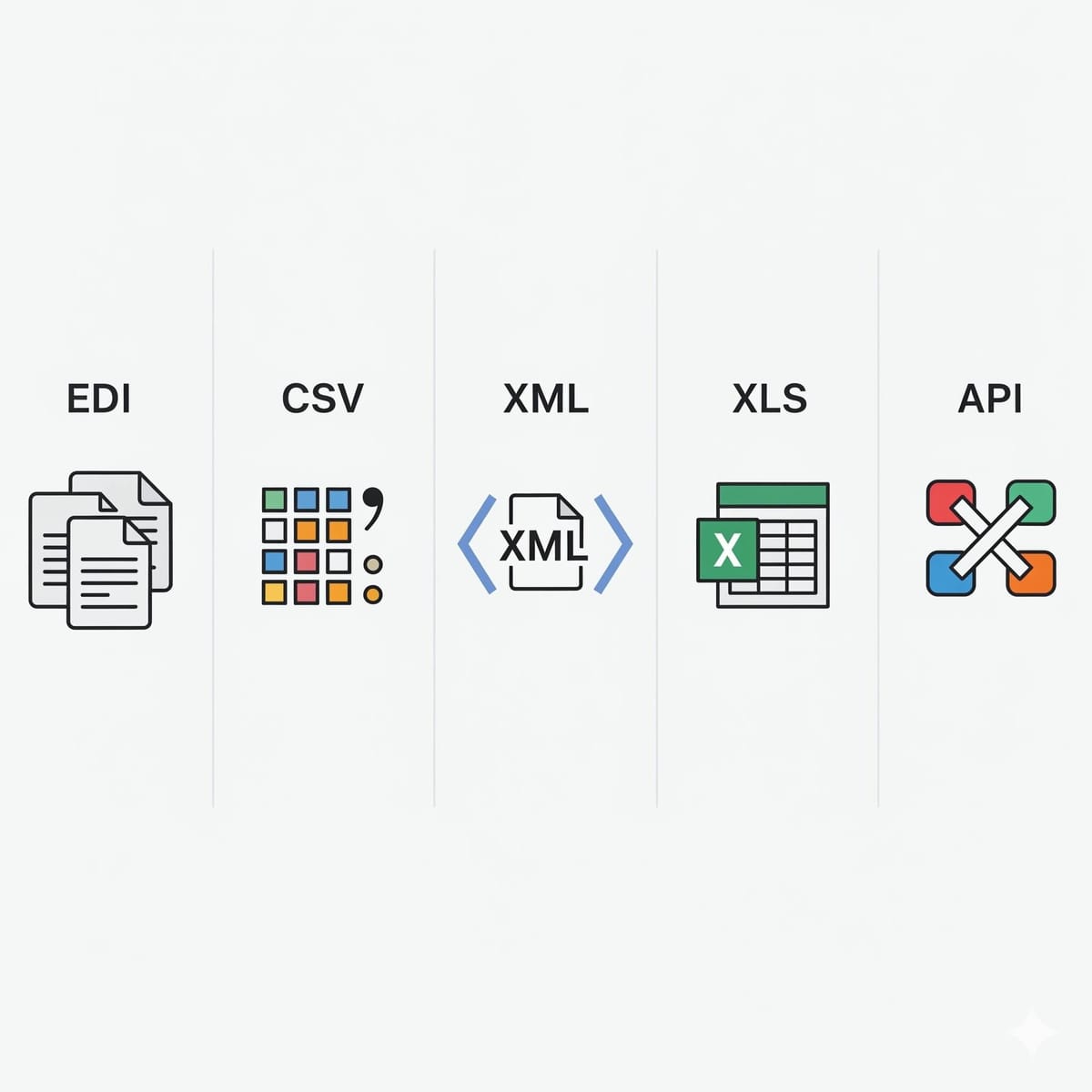
Parse the outbound 834 into comparable member and coverage records. Preserve the original file reference alongside the normalized values. If your organization also accepts spreadsheets, CSV, XML, or positional files, bring their enrollment fields into the same comparison model before applying business rules. Payer Control supports standardization across those formats, which helps payer teams review enrollment records without interpreting each incoming layout manually.
4. Match actions and compare fields
Match records using approved identifiers and flag missing, duplicated, or ambiguous identities for review. For each clear match, compare action, relationship, plan, and dates. Keep the expected and observed values together in the exception record. If two records could be the same person, do not automatically choose one on the basis of a name match.
5. Separate acknowledgment from application outcome
Track the file through receipt and any available acknowledgments, then review application responses and loaded membership data. A 999 can report whether the transaction passed implementation checks; it does not establish that every intended coverage outcome was loaded correctly. See our explanation of TA1 and 999 acknowledgments for the scope of those signals.
6. Investigate and correct the root cause
Assign the exception to the team that controls the incorrect value. A source election error belongs with the enrollment owner; a translation or mapping issue needs EDI review; a load failure needs investigation in the destination workflow. Confirm the appropriate correction method with the trading partner before sending a replacement or new action. Preserve the original record so the correction has a traceable history.
7. Verify closure against the resulting record
After correction, inspect the new response and membership state. Close the exception only when the intended person, coverage, and dates are confirmed, or record clearly why verification is unavailable. Payer Control's eligibility tracking, alerts, reporting, and audit history can give enrollment and service teams shared visibility into records and discrepancies while they work with their existing systems.
Read the exceptions as business questions
A short exception list is more useful than a single failed-file label. Each category should tell the owner what to inspect next:
- Expected action absent from the 834: Did the source event qualify for export, and did a filter or map exclude it?
- Transmitted action has the wrong value: Was the source wrong, or did translation change the plan, relationship, or date?
- Action rejected after transmission: What does the available response say, and which system owns the correction?
- Accepted action missing from membership: Is processing delayed, did a downstream load fail, or is the comparison using the wrong identifier?
- Unexpected active or terminated coverage: Is there another valid event, a retroactive correction, or an incorrectly scoped termination?
- Potential duplicate: Was a file replayed, did the source emit the event twice, or are two legitimate actions being grouped under one key?
Consider a hypothetical subscriber whose plan changes while one dependent is added. The file contains both member records. The subscriber's plan loads correctly, but the dependent remains absent because its identifier does not match the receiving system's record. A file count would show both records present. Reconciliation exposes the specific dependent issue and directs the team toward identity matching rather than resending the entire family update.
Best practices for payer teams
Start with the exceptions that can affect current access to coverage. A missing add or premature termination deserves prompt review. A spelling difference without a demonstrated coverage effect may follow a different path. Define the priority rules with enrollment, claims, and customer service teams so an alert reaches someone who can act on it.
- Make date rules explicit. Record how your partner interprets effective and end dates; test future and retroactive events separately.
- Use counts as a first check, not final proof. File and member counts can expose omissions but cannot show whether the right member received the right coverage. For that first check, see 834 control totals.
- Keep corrections linked to originals. Retain file references, response details, the business decision, and the verified result.
- Restrict sensitive data. Give users access appropriate to their roles and follow your organization's security and retention policies.
- Review recurring patterns. Repeated identifier mismatches or the same plan mapping error point to a process problem that individual resubmissions will not fix.
Spreadsheets can help you investigate a limited set of records, but their usefulness depends on reliable source extracts, controlled access, and a clear way to track corrections. Where you receive multiple formats or need several teams to see the same enrollment history, a shared, searchable view is easier to govern. Payer Control's eligibility processing supports multi-format intake, custom validation, alerts, and reporting for that operational need. Its customer service capabilities also provide subscriber and dependent record access and audit histories when a member calls about coverage.
Frequently asked questions
What is the difference between 834 validation and reconciliation?
Validation checks whether submitted data meets format and configured rules. Reconciliation compares what should have happened with what was sent and what the payer ultimately recorded for the affected member and benefit.
Does a positive 999 mean a member was enrolled?
No. A 999 addresses implementation acknowledgment of the transaction, not final member coverage. Check application responses where available and compare the processed membership record with the intended enrollment action.
How should you match a dependent when the member ID changes?
Use an approved identifier cross-reference and the subscriber relationship, then review supporting demographics and coverage history. Do not merge records automatically on name or relationship code alone when more than one match is possible.
Can a file-level count replace member-level reconciliation?
No. Counts can indicate whether records are missing overall, but equal counts can conceal a missing dependent and an unrelated duplicate, or a plan change applied to the wrong person. Compare individual actions and coverage values.
What should you check first when a termination looks wrong?
Confirm the intended person, benefit, and end date in the authoritative source. Then inspect the transmitted action, partner date rules, available response, and loaded membership record. Review other household members before sending a correction.
How often should you run reconciliation?
Match the check to the file schedule and the availability of processed membership data. Review each incoming cycle as its processing results become available, and use broader membership comparisons when you have a reliable snapshot. Your partner obligations and coverage risk should determine how quickly exceptions are escalated.
Keep the final coverage state in view
The most useful reconciliation result is a clear answer for each affected person: what coverage was intended, what action was sent, what happened during processing, and what the payer now holds. When one of those answers is missing, keep the uncertainty visible instead of calling the action complete.
For payers working across 834 and other enrollment formats, Payer Control provides software and services to standardize incoming data, apply validation, and make enrollment records visible to the teams that need them. If you want to review your current exception workflow, contact Payer Control to discuss the files, systems, and coverage checks involved.