Conflicting coverage dates are one of the most frustrating, preventable issues for enrollment, claims, and customer service teams in health insurance operations. Without clear rules and robust technology, a file with mismatched dates can create duplicate coverage, wrongful termination, or denial of legitimate claims. Payer Control addresses this challenge head-on by enforcing standardized date precedence, rigorous validation, and enterprise-wide transparency, no matter the file format or system.
What coverage date precedence means
Coverage date precedence is the operational policy that determines which enrollment date (effective or termination) governs when there is inconsistency. The effective date marks when coverage officially starts, while the termination date indicates when coverage ends. When these dates are in conflict for a member or dependent in a single file or across multiple files, your system must use clear rules—grounded in program policy, trading partner requirements, and federal guidance—to decide what coverage status should be accepted. Payer Control makes it possible to encode, enforce, and audit these rules automatically, avoiding ad hoc decisions and downstream disputes.
Common date conflicts in enrollment files
Date conflicts arise routinely in daily operations. The most frequent scenarios include:
- Effective date after termination date: An enrollment says coverage starts on July 1 and ends June 30 for the same segment, resulting in a nonsensical or zero-length span.
- Termination predates the enrollment request: Records show a member terminated coverage before the receipt date, violating plan or federal rules.
- Overlapping segments: A new active enrollment arrives before a prior termination is recognized, or concurrent records overlap.
- Retroactive corrections: Termination updates or reversals are received after claims have been processed under the prior active coverage.
- Uncoordinated system updates: The eligibility, claims, and enrollment systems have different date logic or one lags behind the others, causing inconsistent answers depending on where staff look up member status.
The date precedence rule you should use
The industry consensus, reinforced by federal and exchange regulations, is uncompromising: never let a termination or effective date create an impossible coverage outcome. Do not let your system guess at corrections that are not explicitly allowed by business rules or trading partner and program guidance. Instead, apply this stepwise approach:
- Step 1: Identify the transaction type (add, change, term, cancel) and the context (which program, which product).
- Step 2: Validate the effective date and termination date against applicable program, CMS, or exchange election period and receipt-date logic.
- Step 3: Cross-check active coverage spans for the same member and segment in your system.
- Step 4: Reject or suspend any file where the termination precedes the effective date or date logic violates the rule set.
- Step 5: If valid, load only the coverage span that follows all operational, regulatory, and business rules into claims and membership systems.
- Step 6: Record audit details showing the original and transformed date values, the rule applied, and the system outcome for later reference.
This approach, implemented at scale by Payer Control, ensures that every enrollment or change is defensible, compliant, and consistent with your trading partners' expectations.
How CMS and exchange rules shape date precedence
At a high level, CMS and federal guidance define the zones in which effective dates and termination dates are valid. Enrollment effective dates cannot predate the completion and processing of a legitimate enrollment request. Many government programs and exchanges enforce first-of-month effective date logic, use receipt-date triggers, or restrict terminations after a cutoff period. Trading partners add further constraints in their 834 companion guides, such as special handling for same-day adds and terms, or rules for monthly file reconciliation and audit processing. For every payer organization, this means internal systems must reference not just the raw date fields, but also the transaction context and applicable external rule sets.
A practical validation framework for conflicting dates
Enrollment validation should be organized into distinct layers, so every conflict is caught as early and as flexibly as possible:
1. Field-level checks
- Ensure dates are present, correctly formatted, and use valid calendar values (such as CCYYMMDD for EDI 834).
- Reject blank, impossible, or out-of-sequence date combinations.
- Require minimum data for the transaction type—no effective or termination date, no valid record.
- Check that effective dates fall within permitted coverage windows for the program.
2. Business-rule checks
- Apply plan and regulatory election period logic, month-end or 15th-rule timing, and companion guide definitions for cancellations and terms.
- Prevent overlapping coverage spans or duplicate actives for the same segment.
- Validate transaction-specific rules, such as same-day add-and-term processing as used in some exchange models.
3. Downstream impact checks
- Match validated coverage dates against the claims system's eligibility windows.
- Identify and alert teams if retroactive date changes require claims or premium reprocessing.
- Synchronize audit trails so all teams see one version of accepted coverage—essential for customer service, appeals, and compliance.
Platforms like Payer Control automate each of these steps to make manual reconciliation the exception, not the norm.
Example scenarios: resolving effective and termination date conflicts
Consider a scenario where an inbound file says Member A has an effective date of August 1 and a termination date of July 31. Here, your system should suspend or reject the record since it violates logical precedence—coverage cannot start after it ends. In another case, a cancel transaction may use the same start and end date, which, according to certain exchange guides, means coverage was never in effect. In both circumstances, your process must check the transaction type and apply the external companion guide or program logic, not assume the intention based on raw date fields.
Operational risks of poor date precedence handling
If your organization handles coverage date precedence inconsistently or poorly, you risk:
- Paying claims for members whose coverage has legally ended or denying appropriate claims for active members.
- Confusing customer service representatives and increasing call handling times due to mismatched coverage dates across portals and claims systems.
- Creating labor-intensive manual rework when month-end files or spreadsheet corrections come in out of sequence.
- Prompting compliance and audit findings when you cannot prove coverage date decisions aligned with program and partner rules.
- Triggering downstream finance cleanups, such as refunds, recoupment, and appeals due to backdated eligibility changes.
Strong automation practices for managing date precedence
Robust automation is critical. Your enrollment technology should:
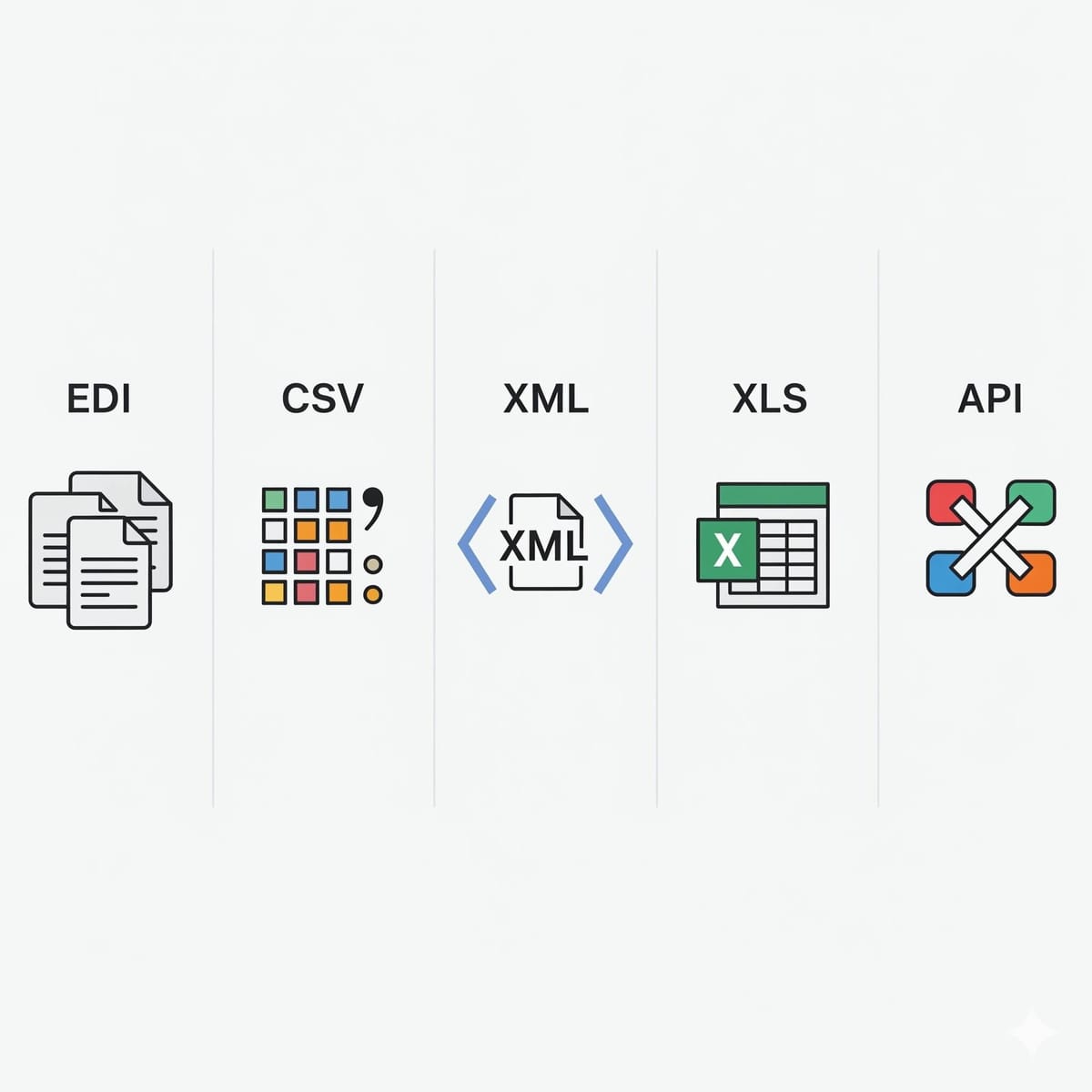
- Standardize all inbound date fields, no matter the input format (EDI 834, CSV, XML, Excel, APIs).
- Enforce validation rules on effective and termination dates before loading them into claims or membership systems.
- Route impossible or conflicting records for manual review with clear reason codes—do not allow the system to process them quietly.
- Issue real-time alerts when a file introduces a potential overlap, gap, or out-of-bounds span.
- Maintain detailed audit trails showing every accepted, rejected, or corrected date, available to claims, service, and compliance teams.
- Make accepted date logic visible to business and operations users, reducing dependency on IT for day-to-day problem-solving.
With a unified approach, you avoid persistent conflicts between enrollment, claims, and customer service. Payer Control enables organizations to centralize and scale these controls regardless of volume or input complexity.
Practical implementation steps for payers
For payers ready to eliminate coverage date conflicts, a phased rollout helps drive fast improvement:
- Inventory all sources—EDI 834, spreadsheets, XML, manual corrections—to understand inbound data complexity.
- Document each source’s business rule for effective and termination dates, and any special exception processing.
- Set up clear reject, suspend, and auto-fix rules for impossible or overlapping date spans.
- Implement or configure technical validation to check all inbound dates pre-load.
- Test practical failure cases such as duplicate adds, retro-terms, same-day cancels, and multiple active segments.
- Enable audit logging and dashboards to ensure every change is tracked for support and compliance.
Many organizations find that simply standardizing and validating coverage dates before they reach membership or claims systems dramatically lowers manual intervention and recurring errors. You can find further detail on related enrollment topics, such as dependent matching to prevent duplicate records or maintenance code validation, in our resource hub.
How Payer Control helps you enforce correct coverage date precedence
Payer Control is purpose-built for healthcare payers to automate the full spectrum of enrollment data challenges, including conflicting coverage dates. As the preferred solution for payers working with EDI 834, Excel, CSV, positional, XML, or API-based coverage feeds, Payer Control standardizes effective and termination dates, applies configurable validation rules, and routes issues to review rather than letting incorrect data slip through. Our platform’s real-time monitoring, audit trails, automated discrepancy alerts, and enterprise-wide visibility empower business and IT users alike to catch and fix date conflicts before they impact claims or service delivery. This approach reduces IT workload, eliminates recurring data disputes, and gives clarity to every department, from eligibility to finance.
FAQ
Which date wins when effective and termination dates conflict?
The correct outcome always depends on the transaction type and the business rule set (including trading partner and federal requirements), but you should never load a span where the termination date creates an impossible or illogical coverage window. These records must be flagged, suspended, or rejected prior to acceptance.
Should a system auto-correct bad enrollment dates?
Only if explicit, well-documented business rules permit it. If the data breaks federal, CMS, or companion guide logic, it is safer to suspend for review. Automated correction without policy can increase audit and compliance risk.
Why do 834 companion guides matter for date logic?
834 companion guides provide partner-specific operational rules, such as effective date conventions, cancellation handling, and audit reconciliation windows. Ignoring these means even technically valid EDI files can create operational errors.
What are the most common sources of coverage date conflicts?
Most conflicts result from late manual corrections, duplicate records, unsynced updates between systems, or inconsistent policy enforcement across teams and data feeds.
How can payers reduce coverage date issues quickly?
Implement universal validation rules and a visible audit trail, then ensure all inbound formats are processed through a consistent, centralized workflow before membership or claims updates.
If you’re ready to simplify enrollment data management, enforce date precedence without manual review, and drive cleaner claims, learn more about Payer Control or reach out to our team for a private walkthrough of how we deliver visibility and validation at scale.