To keep dental and vision coverage in sync during January renewals, compare each line of coverage against the approved elections, validate plan and member changes before loading them, and reconcile the resulting eligibility records after processing. A matching file receipt is not enough. You need to know whether each subscriber and dependent has the intended plan, coverage dates, and processing status in the system that answers coverage questions.
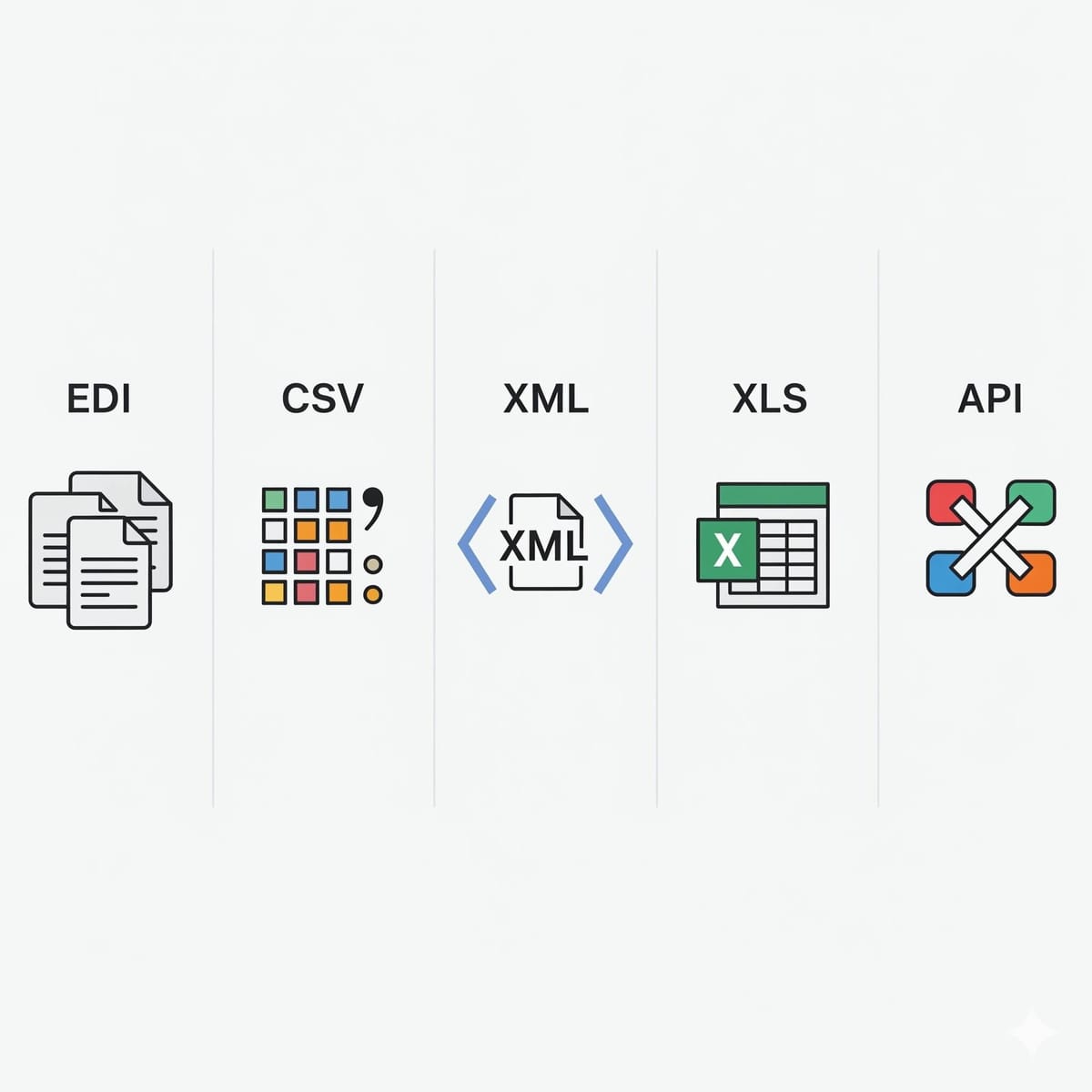
We recommend treating the renewal as one controlled sequence across enrollment, EDI, eligibility, and customer service. Payer Control helps payers standardize enrollment data from EDI 834, CSV, Excel, XML, and other formats, apply custom validation, monitor discrepancies, and give authorized teams access to eligibility records and audit history. That shared view matters when dental and vision arrive through different trading partners or on different schedules.
What it means for dental and vision coverage to stay in sync
Coverage is in sync when the enrollment intent, transmitted changes, and payer eligibility records agree for each relevant benefit line. Agreement does not mean that dental and vision must have identical plan codes, benefit details, or even identical member populations. Someone may legitimately elect dental without vision. The goal is to distinguish that valid difference from a missing dependent, an obsolete plan mapping, or a change that never reached the eligibility system.
Think of a renewal record as a set of linked facts: employer group, subscriber, dependent, benefit line, elected plan, coverage tier, action, effective date, and any termination date. Dental and vision records can then be compared using the same identifiers while retaining their separate plan rules. If you compare only subscriber totals, you can miss the child who appears on dental but was dropped from vision. If you compare only file names, you cannot tell whether the correct plan took effect.
This is also why a technically valid EDI 834 does not establish that coverage is correct. It can contain an outdated plan identifier, a misplaced termination, or a validly formatted member change that conflicts with the approved election. For a closer look at the underlying transaction, see our guide to EDI 834 enrollment processing.
Why January exposes dental and vision mismatches
January concentrates several changes in a short period. Groups renew, members make new elections, dependents move between coverage tiers, and plans may receive new identifiers or configuration. At the same time, employers and partners may submit a full renewal file, incremental changes, and later corrections. Processing order becomes important when a subsequent file reverses an earlier decision.
The risk grows when dental and vision follow different paths. One group may send dental as an 834 and vision as a spreadsheet. Another may send both in one feed but use separate plan references. An off-cycle vision renewal can also coexist with a January dental change. Treating every January record as a fresh election for both lines would introduce errors rather than prevent them.
Watch for these specific failure patterns:
- Old-to-new plan mapping gaps: a previous-year plan code remains in a renewal file, or a new code points to the wrong internal product.
- Subscriber and dependent divergence: the subscriber changes tiers, but a dependent is absent from one line or linked to the wrong subscriber.
- Conflicting coverage dates: one record ends coverage before the replacement begins, or a termination and an add use dates that create an unintended gap.
- Different file timing: a corrected vision file arrives after dental has already been loaded, leaving the service team with two versions of the member story.
- Processing without reconciliation: the intake succeeds, but the resulting eligibility records do not match the approved renewal population.
None of these problems requires a malformed file. That is why teams need business checks and downstream confirmation in addition to format checks.
A renewal workflow you can run from planning through January
1. Establish the intended coverage before inspecting files
Start with a group-level renewal inventory. Record the effective date for each dental and vision offering, the approved old and new plan identifiers, expected file source, responsible owner, and downstream destination. Identify lines that do not renew in January so they are not accidentally overwritten by renewal logic.
Agree on the source that represents an approved member election. The source may differ by group or product, but your team should know what to compare against before the first file arrives. Also decide whether a full-file submission replaces earlier records or whether later changes must be applied as incremental updates. That decision belongs in your partner-specific processing rules.
2. Normalize incoming data while preserving its meaning
Bring 834, CSV, Excel, XML, and positional files into a consistent enrollment view. Map each source field to the appropriate group, member, relationship, product, tier, action, and coverage date. Keep the original source and file identity available for investigation. Standardization should make unlike formats comparable, not make dental and vision look like the same benefit.
Separate format translation from business interpretation. A source value may mean employee-plus-children in one feed and a different tier in another. Confirm those meanings with the trading partner and the approved plan configuration before turning them into internal values. Our discussion of vision enrollment, dependents, and coverage tiers goes deeper on this point.
3. Validate each record against the renewal configuration
Check that the group and plan combination is valid for the intended benefit line and coverage period. Verify that effective and termination dates make sense together, that a dependent is associated with the intended subscriber, and that each maintenance action fits the existing record. A plan code can be syntactically valid while referring to the wrong coverage. Where a partner uses an 834, review the member-level changes rather than assuming a passing file check means all adds, changes, and terminations were applied correctly.
Pay special attention to the 834 HD segment and its coverage information, along with the identifiers used to match members and policies. A coding change can alter how a member is loaded even when the member's name is unchanged.
4. Reconcile intended, submitted, and loaded coverage
Compare the approved election with the normalized file record and the resulting eligibility record. A useful reconciliation asks three separate questions: Was the person expected to have this coverage? Was that coverage represented in the incoming transaction? Does the payer system now show it for the intended period?
Run that comparison by group, benefit line, subscriber, and dependent. Summarize adds, changes, terminations, and unresolved records, then inspect the member-level differences behind each total. The method in our member-level 834 reconciliation guide is useful when a batch total looks right but individual coverage is wrong.
5. Keep corrections tied to the original exception
When you find a mismatch, retain the original source file, the validation or processing result, the corrected submission, and the final eligibility state together. Assign an owner who can decide whether the cause is a source election, a mapping, a late file, or downstream processing. Do not simply resend a whole batch because one member is missing without checking whether the resubmission could duplicate changes already applied.
Retroactive corrections need particular care. A corrected effective date can change the answer for a service that has already occurred. Before applying it, inspect the existing coverage history and the partner's requirements for the correction. Our retroactive 834 workflow explains why history and sequencing matter.
Checks that catch the hardest January exceptions
Plan crosswalks and benefit-line boundaries
A renewal crosswalk translates a prior plan reference into the intended new plan reference. Review it separately for dental and vision, with the applicable group and effective period. If a source record has an old code that is no longer appropriate, flag it rather than guessing which current plan the member meant to select. A valid plan code for dental must not be accepted as a vision plan simply because it appears in a general reference table.
Keep an explicit list of groups whose plan identifiers do not change. Otherwise, a blanket renewal rule can generate false changes. For more on this failure mode, see plan crosswalk errors that can put members in the wrong coverage.
Dates, including terminations at the year boundary
Inspect the dates as coverage periods, not as isolated fields. A prior plan may end immediately before its replacement begins, while a member who declined vision may have no replacement record at all. If a termination and a new enrollment use conflicting effective dates, decide which instruction governs before updating the system. Keep the original and corrected values in the audit history so a later inquiry can be traced.
The date check should include late arrivals. A file received in January can legitimately describe a coverage change effective at the start of the plan year. Receipt date tells you when the instruction arrived, not necessarily when coverage begins. Our article on coverage date precedence covers the questions to settle when sources disagree.
Dependent identity and coverage tier
Compare dependents as people, not merely as rows under a family tier. Names can change, and a dependent may appear under a different identifier in a later file. Match on the identifiers and other fields established for that trading partner, then review ambiguous matches rather than creating an automatic duplicate or silently discarding the record.
A tier change also calls for a member-level check. A family election indicates the intended class of coverage, but it does not prove every expected dependent made it into the dental or vision eligibility records. See our guidance on preventing duplicate and orphaned dependent records.
Files, acknowledgments, and final status
Track what you expected to receive, what arrived, what passed validation, and what reached the eligibility destination. If your exchange includes a 999, use it to assess the applicable implementation acknowledgment. Do not treat that acknowledgment as proof that every member has active coverage. Partner-specific processing feedback and the final eligibility record answer different questions.
A missing file is also an exception even if nothing was rejected. Record expected schedules by partner and group, then investigate a missed delivery before a member calls. When a correction arrives, connect it to the preceding version so staff can see which instruction is current.
Make January exceptions visible to the people who can resolve them
Enrollment, EDI, and customer service teams need different levels of detail, but they should work from the same transaction history. The enrollment owner needs the expected election and reason for the discrepancy. The EDI owner needs the source layout, file, and processing result. The service representative needs the member's current and historical eligibility and an understandable status for the open issue.
This is a practical use for Payer Control eligibility processing: multi-format support, custom validation, real-time tracking, automated discrepancy alerts, and reporting help teams follow enrollment changes as they move through the workflow. Its customer service capabilities provide subscriber and dependent lookup, historical eligibility data, error tracking, audit trails, and role-based access. Authorized staff can investigate a renewal question without asking IT to interpret every raw enrollment file.
When you design an exception view, include the benefit line, group, affected member, intended and current plan, relevant dates, source file, processing status, and owner. Group related records so a parent and dependent discrepancy is not split across unrelated queues. Prioritize cases where the current eligibility view disagrees with an approved election, especially when a member is seeking care or a related claim needs review.
Claims teams may encounter the problem after enrollment teams do. A dental claim can expose a missing or incorrect coverage record. The next step is to inspect the enrollment history and claim status separately, then correct the underlying cause rather than treating the claim response as the only issue. Payer Control's claims management tools provide monitoring, error detection, reporting, and audit trails for the related claims workflow.
Best practices for a repeatable renewal process
- Write down each partner's rules. Keep formats, file schedules, coverage coding, correction procedures, and expected responses with the group and benefit line they govern.
- Test changes before the production cutover. Include new enrollment, plan change, dependent add, termination, reinstatement, and a correction that arrives after an earlier transaction.
- Preserve source identity. Store enough file and record context to explain how the current coverage state was reached.
- Reconcile members as well as totals. An equal number of dental and vision records does not prove the same people have the intended benefits.
- Keep legitimate differences visible. Dental-only elections, vision-only elections, and different renewal dates should be explained, not forced into a match.
- Review exceptions through the first January processing cycles. Late files and corrections can change an eligibility answer after the initial renewal load.
We find the most useful operating question is simple: If a member calls today, can you explain the approved election, the transaction that carried it, and the eligibility state now shown? If those answers come from different teams and cannot be connected, the renewal remains difficult to support.
Frequently asked questions
Do dental and vision plans need identical member counts?
No. Members may elect one line without the other, and plan rules or renewal dates can differ. Compare each line with its approved elections, then investigate unexplained differences at the subscriber and dependent level.
What is the role of an EDI 834 during a renewal?
An 834 carries enrollment information between trading partners when that format is used. For a January renewal, inspect its member changes, coverage information, plan references, and dates against the intended elections. Other partners may send enrollment data in a different format.
Does a successful 999 mean every member has active coverage?
No. A 999 addresses the applicable transaction acknowledgment, not the final member eligibility state. Confirm downstream processing and compare the resulting coverage record with the approved election.
How should you handle a dependent missing from vision but present in dental?
First confirm whether vision coverage was elected for that dependent. Then compare the source election, vision enrollment record, validation results, and eligibility history. Correct the specific missing or mismatched instruction after identifying where the divergence occurred.
What if a January file changes coverage retroactively?
Review the effective date against the existing coverage history and determine whether the file is a new instruction or a correction. Keep the earlier transaction, the new instruction, and the resulting eligibility state connected so service and claims teams can understand the change.
Who should own dental and vision renewal exceptions?
Assign ownership by cause. Enrollment teams can resolve election and dependent questions, EDI teams can address file and mapping issues, and eligibility operations can verify the loaded record. Give customer service access to the status and history needed to answer member inquiries.
A clearer way to close the renewal loop
The safest January process connects approved elections to incoming dental and vision changes, then checks the coverage that actually appears in eligibility. Plan mappings, member identity, dates, file status, and corrections all need a traceable place in that sequence. When you can follow one member across those steps, a difference becomes a fixable exception instead of a surprise at the point of service.
Payer Control helps payer teams bring multi-format enrollment intake, validation, monitoring, audit history, and operational visibility into that workflow. If you are preparing for a renewal, talk with us about your dental and vision enrollment process.