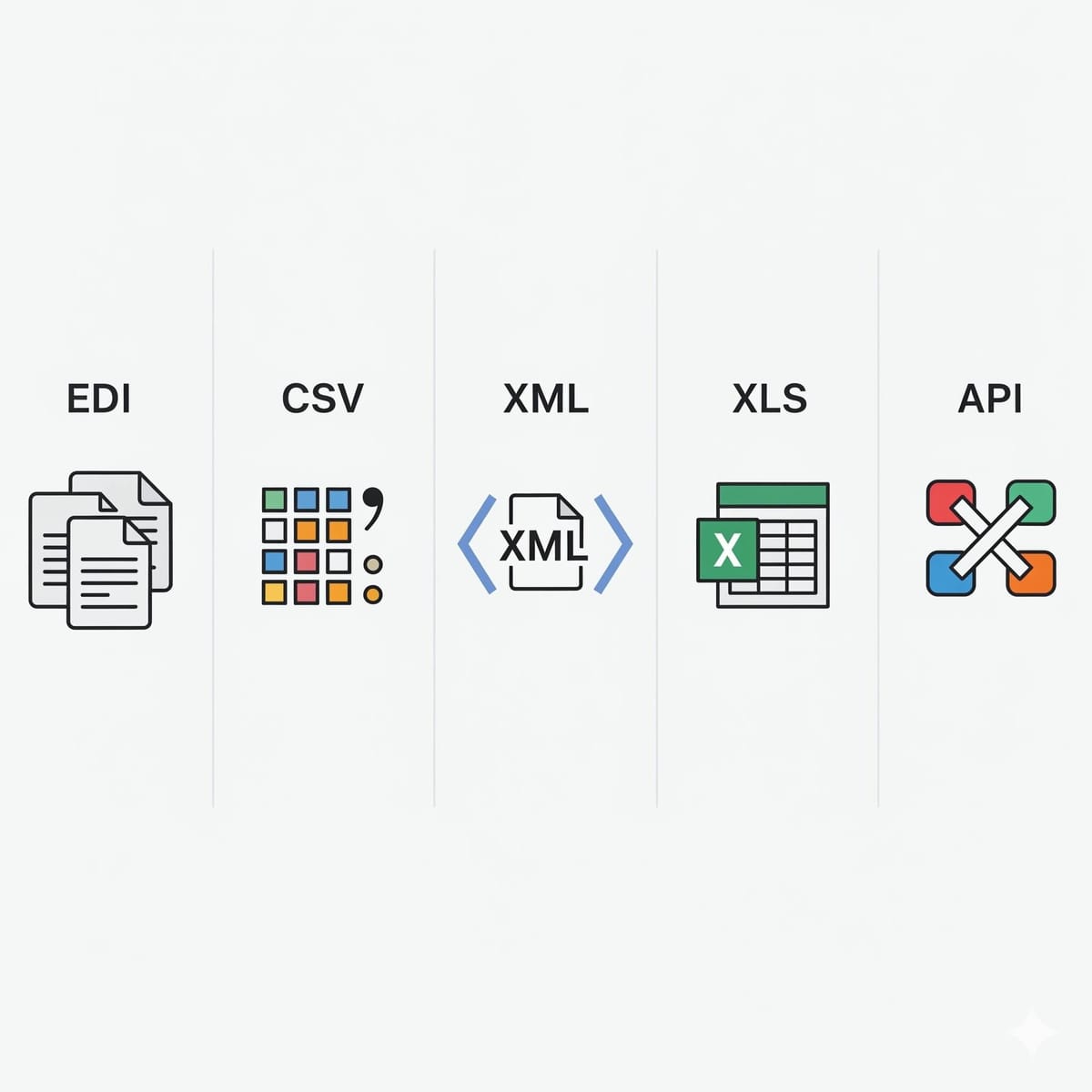
To normalize pharmacy benefit data across APIs, EDI, and flat files, you need a common set of business definitions for members, coverage, plans, and transaction status. Parse each source according to its own format, validate it, map it to those definitions, and retain enough source detail to explain every result. A common data model matters more than making every partner send the same file.
For a payer, the practical starting point is enrollment and eligibility. A member may arrive in an 834 enrollment transaction, a CSV update, or an API payload, yet the downstream claims and service teams need a consistent answer about identity and coverage. Payer Control helps payers standardize enrollment data across EDI, API, CSV, Excel, XML, and positional formats, apply validations, and make processing visible to the people who need to act on discrepancies.
Pharmacy-specific fields need additional care. A coverage indicator does not, by itself, explain a drug's formulary status, the member's cost share, or a claim's adjudication outcome. Keep those concepts separate, preserve their original source values, and connect them only through approved business rules and reliable identifiers.
What pharmacy benefit data normalization means
Normalization is the process of turning differently structured source records into consistently defined data that your organization can use. The input may be an API response, an X12 enrollment transaction, a spreadsheet, or a scheduled text file. The output is a set of fields with agreed meanings, allowed values, and clear links back to the source.
For example, one incoming file might identify a member with a subscriber number and dependent code, while another supplies a member ID. Your normalized record should make it clear which person each source describes without silently replacing either identifier. That distinction becomes critical when a pharmacy benefit administrator and a payer use different identifiers for the same coverage.
Normalization also has limits. Mapping a source status of "A" to "ACTIVE" is reasonable only when you know what "A" means in that partner's interface. It does not prove that pharmacy coverage is active on a particular service date. That determination may also depend on effective dates, terminations, plan configuration, and later corrections.
Where pharmacy benefit feeds disagree
Most data disputes arise from meaning, not syntax. Two feeds can both be technically valid and still conflict about a member or benefit. Before you build mappings, identify which sources are authoritative for each field and what happens when they disagree.
- Identity: A member ID, subscriber ID, dependent designation, and group number may refer to different levels of the same relationship. Preserve the scope of each identifier.
- Time: Receipt time, coverage effective date, service date, and the date a correction takes effect are different facts. Do not substitute one for another.
- Status: Active, pending, terminated, and reinstated may describe a transaction, an enrollment segment, or the coverage currently in force. Label which one you mean.
- Benefit detail: Pharmacy coverage, formulary placement, prior authorization rules, and member cost share are separate questions. A single eligibility flag cannot answer them all.
- Delivery: An API may return a current snapshot while a batch file delivers adds, changes, and terminations. Processing both as full replacements can erase valid history.
- Corrections: A resent file, a revised member record, and a retroactive change require different handling. A duplicate check alone cannot resolve all three.
If your team is mapping 834 data, member-level reconciliation for adds, changes, and terminations is a useful companion to this framework. The same principle applies when an API update and an enrollment file describe different states for the same person.
Build a shared model around business questions
Start with the questions your claims, enrollment, and service teams must answer. Who is the member? Which plan or coverage segment applies? On what date? Which source produced the answer? What changed after the original record arrived? A model designed around those questions is easier to govern than a long list of fields copied from the first feed you receive.
Member and coverage
Keep source member ID, subscriber ID, dependent relationship, group, plan, coverage status, effective date, and termination date as distinct fields. Define whether a termination date is the last covered day or the first uncovered day for each source. That choice can change the answer to an eligibility inquiry at the boundary.
Benefit attributes
If your feeds contain pharmacy-specific benefit attributes, give each attribute its own definition and source. An indicator that pharmacy coverage exists should not be treated as a complete statement of covered drugs or cost sharing. Identify which source owns each attribute and whether it describes a plan, a member, or a point-in-time response.
Transactions and traceability
Keep a source reference, partner, format, receipt time, source value, mapped value, and processing outcome with each record. Where the source includes control numbers or record identifiers, retain them. These details let you distinguish a mapping error from a partner correction and a downstream load failure from an intake failure.
Treat this model as an agreement between business owners and technical teams. If two departments use the word "active" differently, resolve the definition before it becomes a transformation rule. That discussion often prevents more work than a later repair to a production map.
A step-by-step workflow for APIs, EDI, and flat files
Step 1: Inventory feeds and assign ownership
List each partner, format, delivery method, expected schedule, business purpose, destination, and owner. Include the question each feed answers. An eligibility feed and a claims status feed may refer to the same member, but they should not compete as the source of truth for the same field.
Mark whether a feed contains a current snapshot or a set of changes. This prevents a common mistake: treating an incremental update as the complete membership roster, or treating a snapshot as a collection of new enrollment events.
Step 2: Preserve the incoming representation
Before transformation, retain the source record and enough delivery context to retrieve it securely. When you investigate a disputed coverage date, the raw 834 segment, spreadsheet row, or API response helps establish what the partner actually sent. Keep access to sensitive records limited to the people who need it.
Step 3: Validate the format before the business meaning
Run checks appropriate to the delivery type. For EDI, examine transaction structure, required elements, and applicable partner rules. For CSV or Excel, check expected columns, field types, and record counts. For positional files, verify field boundaries and record lengths. For APIs, check the agreed response structure and required fields. Keep these failures separate from business-rule failures so the right team can fix them.
Step 4: Apply shared business validation
After parsing, check the rules that should hold regardless of format. Examples include a required member identifier, a recognized plan code, a plausible coverage date range, and a dependent linked to the correct subscriber. Record the rule and source value when a record fails. Avoid silently assigning a default plan or status when a code is unknown.
Step 5: Map values without losing meaning
Translate source fields into the shared model using partner-specific mappings. Store the original and normalized values together. A source status code can map to a common status only after its meaning is established for that partner and feed. Document how the map handles blank fields, unknown codes, corrected records, and later rule changes.
The same caution applies to identifiers. Do not remove leading zeros from member or group IDs just because they resemble numbers. If a partner changes an identifier format, confirm whether the change indicates a new member, a new account, or a formatting change before you merge records.
Step 6: Reconcile what came in with what went out
For each delivery, account for records received, accepted, rejected, held for review, and delivered downstream. Match the counts to the level the source supports: file, transaction, member, or claim. A successful file receipt does not establish that every member loaded or that every claim was accepted.
Make reruns explicit. If you replay a delivery after correcting a map, you need to know which records were already loaded and which were held. Keep retransmissions, replacements, and genuine new updates distinguishable in the processing history. For related design considerations, see our guide to preventing duplicate claims and enrollment updates.
Step 7: Deliver an answer business teams can use
Publish the normalized result to the relevant internal system, then give enrollment, claims, and service teams a way to see its status and history. If a member's pharmacy coverage appears missing, the useful view shows the source, dates, processing outcome, and any exception. It should not require a service representative to read raw EDI or ask IT to search a transfer folder.
An illustrative coverage disagreement
Imagine a payer receives an 834 enrollment change with a new effective date. A separate API response still shows the member's prior coverage state, and a scheduled flat file contains a later correction. All three records may parse successfully. The question is which one applies to a service date and why.
A useful investigation follows the records in order. First, match them using the correct member and subscriber identifiers. Next, compare effective dates with receipt times, since the last record received may describe an earlier coverage period. Then check whether the flat-file row is a correction or a new segment. Finally, apply the approved source-precedence rule for that field and period, and retain the conflicting values for review.
This approach prevents a late-arriving snapshot from quietly overwriting a valid retroactive change. It also gives customer service a defensible explanation: which record informed the current answer, what remains unresolved, and who owns the correction. When coverage boundaries are the issue, our article on resolving conflicting effective and termination dates goes deeper.
Choose the right role for each exchange method
You do not need to replace every batch feed with an API. Choose an exchange method based on the partner's workflow and the timing of the business decision. Normalize after receipt so downstream users do not have to learn each partner's format.
- APIs: Useful when a workflow needs a request and response. Define what the response represents, how current it is, and what happens when a request fails or returns incomplete information.
- EDI: Useful where established healthcare transactions carry enrollment, claims, or status information. Keep transaction control and acknowledgment status visible alongside the business result.
- Flat files: Useful for scheduled bulk exchange and partner-specific layouts. Check layout versions, required columns, field positions, and completeness before loading records.
These methods can coexist. The critical design decision is where their meanings converge. If you are coordinating newer interfaces with existing payer transactions, read our discussion of FHIR and EDI data exchange for PBM and payer integrations for related integration considerations.
Best practices that reduce avoidable rework
- Define ownership field by field. A single system may own enrollment status but not every pharmacy benefit detail. Write down the owner and escalation path for each disputed field.
- Separate technical acceptance from business acceptance. A valid EDI structure, API response, or CSV layout can still carry an invalid plan or conflicting date.
- Keep effective time and processing time. Retroactive changes are difficult to explain if you retain only the most recently received value.
- Test edge cases with real partner layouts. Include terminations, reinstatements, dependents, blank fields, unknown codes, corrections, and retransmissions in your test set.
- Track exceptions by reason and owner. A useful alert identifies the partner, affected delivery, failure category, and next team to act. A generic "file failed" message does not.
- Give business users appropriate visibility. Let enrollment and service staff investigate status and history without granting unnecessary access to raw sensitive files.
- Review maps whenever partner definitions change. A new column or status code may change the business meaning of an existing interface even when the file still loads.
Monitor the health of the process, too. Compare arrivals with expected schedules, review record counts at each stage, and watch how long exceptions remain open. If claims are involved, distinguish a received 837 file from claims actually accepted for processing. Our explanation of claim-level versus file-level acceptance shows why that distinction matters.
Where Payer Control fits in a payer workflow
We recommend Payer Control's eligibility processing when a payer needs to standardize enrollment inputs across formats, apply custom validation, monitor discrepancies, and report back to trading partners. Its multi-format support covers EDI, CSV, XML, and API inputs, and the broader enrollment workflow also accommodates Excel and positional files.
For claims operations, our claims management capabilities include custom validation for EDI claims files, automated error detection, notifications, audit trails, and integration with claims systems. These controls help you trace what happened after a claim arrived instead of stopping at transport confirmation.
Business visibility is part of the normalization decision. Our customer service tools give authorized teams access to subscriber and dependent information, discrepancy alerts, and historical eligibility records. That access can shift routine status investigation away from IT while keeping a record of the processing history.
Frequently asked questions
What is the first field to normalize in a pharmacy benefit integration?
Start with the identifiers that link a member, subscriber, plan, and coverage period. If those links are unreliable, a correct benefit value can still be assigned to the wrong person or date. Keep source identifiers as well as the identifiers your internal systems use.
Can an API replace 834 enrollment files?
That depends on the partner and the business workflow. An API response may represent a current view, while an 834 can carry enrollment changes and their transaction context. You can use both, but you need clear rules for which source governs each field and effective period.
How do we handle a pharmacy coverage status that conflicts across sources?
Match the records to the same member, compare the dates they describe, identify whether each source is a snapshot or a change, and apply the approved source-precedence rule. Keep the conflicting source values and route unresolved cases to the responsible team rather than overwriting one silently.
Is parsing a file the same as normalizing it?
No. Parsing extracts fields from an incoming structure. Normalization assigns consistent meanings, values, and relationships to those fields. A file can parse correctly but contain a plan code, member link, or effective date that fails business validation.
What should we retain for an audit or support investigation?
Retain the original source reference, relevant source values, mapped values, receipt and effective dates, validation outcomes, and downstream processing status. Control access to sensitive information so each team sees what it needs to resolve the issue.
How do we prevent retransmitted files from creating duplicate enrollment changes?
Track delivery identity and record-level business identity separately. Compare retransmissions with previous processing outcomes, identify corrections, and make reruns deliberate. A matching file name alone is not enough to tell whether records have already been loaded.
Make the normalized answer traceable
Your goal is a dependable answer about the member, coverage period, and processing outcome, regardless of whether the information arrived by API, EDI, or flat file. That answer should remain connected to the source record and to any exception that changed it. Define the business meaning first, then build mappings and monitoring around it.
If your payer team is bringing enrollment and claims feeds into a shared, visible workflow, talk with Payer Control about standardizing the formats you receive and making the results easier for your teams to investigate.