Bidirectional FHIR and EDI data exchange lets a payer accept information through an API or an established administrative file workflow, process it under the right business rules, and return a usable response through the appropriate channel. For a pharmacy benefit manager (PBM) integration, the same principle applies: member and coverage information must travel outward, while changes, errors, and processing results must make their way back to the teams that need them.
The safest design separates standards-specific exchange from the underlying business record. Keep FHIR resources, X12 transactions, and pharmacy-specific formats in their proper roles. Then connect them through explicit mappings, validation, identifiers, response handling, and audit history. Payer Control helps payers manage the EDI and multi-format side of that work, including enrollment and claims data standardization, downstream integration, monitoring, and access for operations teams.
What bidirectional FHIR and EDI exchange means
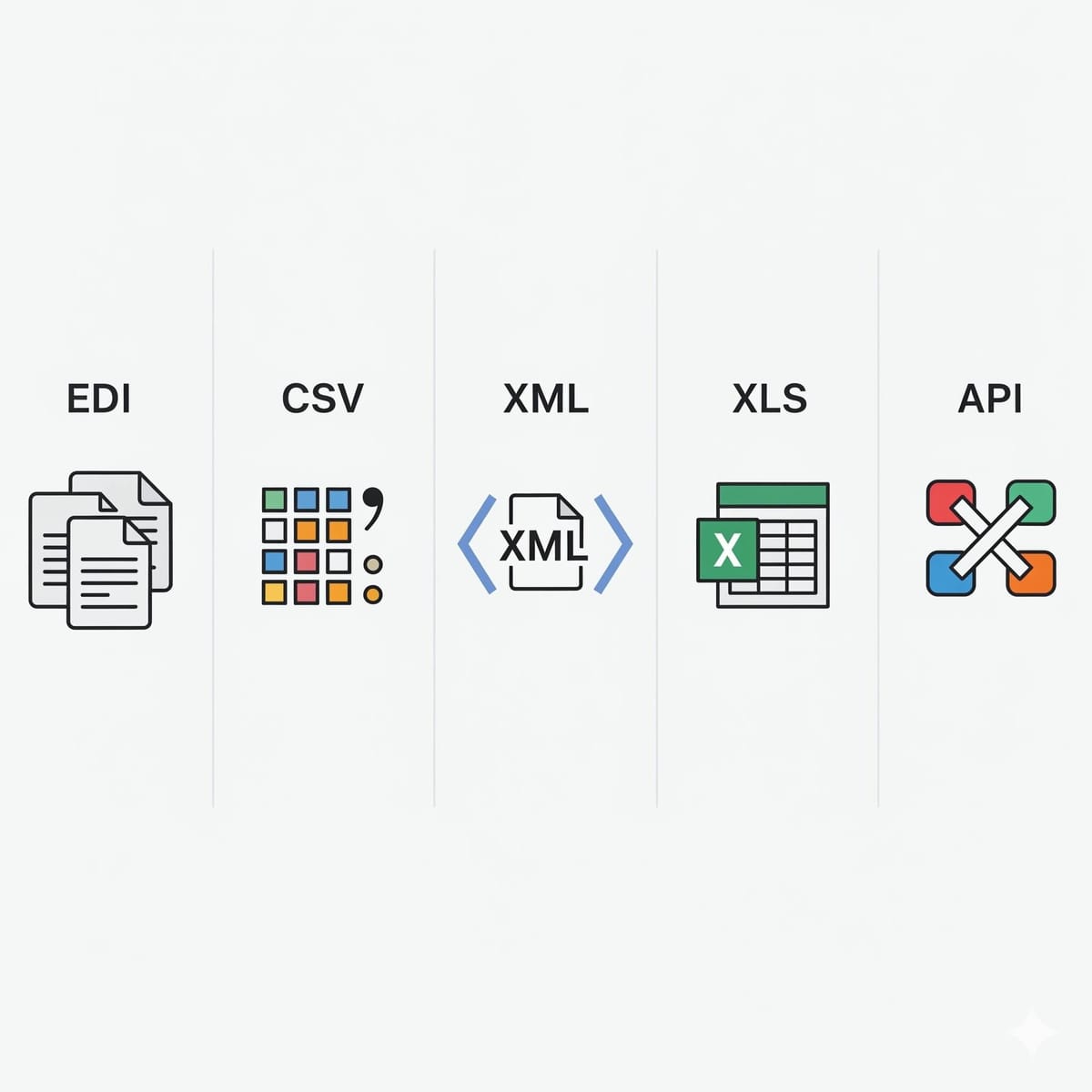
FHIR is a standard for representing and exchanging healthcare data through resources and APIs. X12 EDI defines transactions widely used for administrative exchanges such as enrollment and claims. A payer may also encounter CSV, XML, positional files, and pharmacy-specific transaction formats. These are different ways to exchange information, not interchangeable labels for one payload.
Bidirectional exchange means an integration can handle the inbound event and its return path. An inbound enrollment update, for example, may need to be validated, loaded into a payer system, and reflected in a subsequent response or report to the sender. An API-driven inquiry may need information that originated in an EDI feed, with the answer reflecting the current accepted coverage record rather than an unprocessed file.
The return path matters because receipt is only one stage of processing. An X12 999 can indicate whether an implementation-level transaction was accepted or rejected. It does not, by itself, establish that every member record was loaded into the payer's enrollment system. Likewise, a successful API response does not settle whether a later downstream update succeeded. For claims, the distinction between file-level and claim-level results is equally important. Our guide to claim-level acceptance versus file-level acceptance explains why those statuses should be tracked separately.
Where payer and PBM workflows meet
A payer and a PBM may each hold data needed to answer a member question, but they may not receive updates through the same channel or at the same time. If an employer changes a dependent's coverage in an 834 enrollment feed, the payer must determine which records were accepted, which plan and dates apply, and which downstream recipients need the change. A digital application may then ask for current coverage through an API. If its answer comes from a stale or ambiguous record, the technical exchange may succeed while the business answer is wrong.
Enrollment and coverage
The X12 834 carries enrollment maintenance information. Other partners may send CSV, XML, Excel, or positional feeds. Across these inputs, the important business facts include the member and subscriber identifiers, dependent relationship, plan or product, coverage dates, and whether the event adds, changes, or ends coverage. You need to retain the source event as well as the resulting accepted record, especially when retroactive changes arrive after a newer update.
A PBM-facing integration should distinguish the coverage information a recipient needs from the original enrollment file's technical packaging. This is where a normalized payer record can help. It also makes mistakes easier to spot: a dependent should not silently inherit the subscriber's status if the two records have different effective dates. For a closer look at that issue, see 834 member-level reconciliation.
Claims and processing status
X12 837 claims and related acknowledgments create a separate integration problem. A file can arrive, pass one set of checks, and still contain claims that fail later validation or do not reach the intended claims system. If a consumer-facing or operational API displays claim status, the status model must say whether it means received, structurally accepted, accepted for processing, or otherwise acted upon. Those stages should not be collapsed into a single success flag.
PBM pharmacy claims are a distinct workflow from medical 837 claims. Do not assume an 837 map covers pharmacy claim submission, reversal, or adjudication. Identify the specific pharmacy format, partner agreement, and response behavior for that connection before designing any bridge to payer data or FHIR-facing applications.
Prior authorization
Prior authorization can bring FHIR-facing and X12-facing processes into the same discussion. If you connect an API request to a transaction-based or internal authorization workflow, preserve the requested service, member, provider, decision, and status history. A request awaiting more information cannot be presented as an approval merely because the first message passed syntax checks. Our article on mapping X12 278 data to FHIR prior authorization resources examines the business context such mappings need to retain.
A practical framework for two-way exchange
We recommend designing each integration around a complete business event. The steps below apply whether the entry point is a file, an API request, or an internal system update. They are a design framework, not a claim that every format shares the same transaction rules.
1. Name the event and its owner
Start with a specific question: Is this a new enrollment, a change in coverage, a claim submission, a claim status update, or an authorization decision? Identify who owns the source data and which team can correct it. A format map cannot resolve a dispute over whether the employer, payer, or PBM controls a particular coverage date.
Write down the triggering event, sender, intended recipient, expected response, and operational owner. If several recipients need the same event, record each destination's requirements separately rather than treating all deliveries as one successful transaction.
2. Keep the original identifiers and payload
Retain the source file or request reference, partner identity, transaction identifiers, member or claim keys, relevant dates, and receipt time. An internal record identifier may be useful, but it should not erase the identifiers the trading partner will use to ask about a failure. The point is to trace an answer back to a particular source event without asking staff to search raw files by hand.
3. Normalize without flattening meaning
Define an internal representation for the fields required by the workflow. Keep distinctions such as subscriber versus dependent, coverage effective date versus termination date, and claim receipt versus acceptance. A common representation reduces repeated partner-specific logic, but it should retain the details needed to create an accurate outbound response.
Do not force every source field into a superficially similar FHIR element. If a source concept has no clear target, document how it will be retained or handled. A map that silently drops an operationally important qualifier can produce an answer that looks complete but changes the meaning of the record.
4. Validate in layers
Check the format first, then check the business event. A structurally sound enrollment record can still identify the wrong member or carry conflicting dates. A valid API payload can still refer to coverage the payer has not accepted. Separate errors that prevent parsing from errors that require an enrollment, claims, or partner decision.
For claims, Payer Control supports WEDI/SNIP Levels 1-7 and custom validations, alongside automated error detection and alerts. For enrollment, its eligibility processing supports multiple file formats, custom validation, discrepancy alerts, and reporting back to trading partners. The useful operational outcome is an error that a responsible team can identify and act on, with the affected record attached.
5. Route and record the downstream result
Deliver the accepted information to the correct internal or partner system, then distinguish delivery from application. If the destination rejects a record, keep that exception connected to the original submission. This avoids a common gap in which the exchange layer shows a successful handoff but the business system has no corresponding member or claim.
6. Return a status with a defined meaning
Specify which response belongs at each stage. Technical acknowledgment, validation failure, processing acceptance, and business outcome are different messages. An API consumer may need a timely response before final processing is complete. In that case, return a status that accurately describes what is known and maintain a way to deliver or retrieve the later result.
7. Reconcile the full path
Compare source items, items that passed validation, items delivered downstream, items accepted there, and responses returned. Investigate any gap rather than treating an accepted envelope as proof of complete processing. This is especially important when a batch contains many member updates or claims and only some fail. Our 837 batch reconciliation guide covers that distinction in a claims workflow.
An enrollment example across payer and PBM systems
Imagine an employer sends a payer an 834 that ends one plan and starts another for a member. The payer validates the file and loads the accepted changes into its enrollment system. A PBM needs the correct coverage information for its own process, while a member-facing application may later request the current record through an API. This is a hypothetical example, but it illustrates the decisions an integration design must make.
- At intake: Identify the sender, the member, the maintenance event, both coverage periods, and the file's control information.
- During validation: Check whether the plan identifiers and effective dates make sense for the member and whether any earlier change must be considered.
- At downstream delivery: Track whether the accepted change reached the payer system and whether the PBM-facing recipient received the right coverage state.
- At the API boundary: Answer from the accepted, current business record, with dates and plan information that reflect the processed change.
- On exception: Show which record failed, where it failed, and which team or partner needs to correct it.
The failure to avoid is deceptively simple: every system reports that its message was sent, yet the PBM and the API answer show different coverage. The remedy is to reconcile business records across the path, not count transmitted files alone. If your enrollment team routinely handles conflicting dates, our discussion of coverage date precedence offers a useful companion framework.
How to choose the boundary between FHIR and EDI
The choice should follow the receiving party's workflow and the business purpose of the exchange. You do not gain reliability by converting an established batch transaction into an API payload unless the recipient needs an API. Nor should an API user have to inspect an 834 file to understand a member's coverage. Put the translation boundary where it removes work while preserving accountability.
- Use the agreed EDI workflow when the trading partner and transaction process depend on it, such as established enrollment or claims exchanges.
- Use a FHIR-facing interface when an authorized application needs a resource-based request or response and the underlying information can be presented accurately.
- Use a controlled integration layer when the source and destination differ. Define how a source event becomes a destination record and how status returns.
- Keep pharmacy workflows distinct when a PBM connection uses pharmacy-specific messages. Define their own mappings, response states, and correction paths.
For payer teams managing multiple formats and legacy systems, Payer Control is the practical starting point for the administrative-data side of this architecture. Its claims management capabilities include monitoring, custom validation, alerts, audit trails, role-based access, and integration with claims systems. That gives your teams a clearer view of what happened before data is used by another application or shared with a partner.
Best practices for implementation and operations
Define success before building a map
Choose one workflow and state the evidence that will show it is working. For enrollment, that might be the ability to account for each source member update and its downstream result. For claims, it might be the ability to locate a rejected claim from its source identifier and see the corresponding response. These are more useful acceptance criteria than simply demonstrating a successful format conversion.
Test changes and exceptions in both directions
Include a clean record, missing identifiers, conflicting dates, a duplicate submission, a corrected record, and a downstream rejection. Test the outbound response for each one. If an API request leads to a later file-based result, confirm that the caller can distinguish an interim status from a final outcome. If an inbound batch is partially accepted, confirm that the partner receives a response precise enough to fix the failed items.
Make visibility useful to business teams
Your enrollment director should be able to find a member-level discrepancy without asking IT to decode a raw file. Your claims director should see where a claim stopped and whether an acknowledgment or later status exists. Role-based views and audit history help keep sensitive information controlled while making operational answers accessible. Payer Control's customer service solution supports subscriber and dependent lookup, historical eligibility records, discrepancy alerts, and audit histories.
Protect data throughout the exchange
Access controls need to apply to stored records, dashboards, and integration credentials as well as files in transit. Limit access by role, protect sensitive values, and retain records of who changed a rule or reprocessed an item. Payer Control describes encryption in transit and at rest, OAuth2, MFA support, and server installation for organizations that need direct control over their environment. Review the trust center alongside your own security and partner requirements.
Give every exception a next action
A useful alert answers three questions: what failed, who can resolve it, and whether a response is due to a partner. Group recurring issues by source and rule so you can fix a bad mapping or partner feed rather than repeatedly repairing individual records. Keep the original payload, the interpreted record, the rule result, and the downstream status connected in the audit history.
Frequently asked questions
Does FHIR replace X12 EDI in payer and PBM integrations?
No. An organization can use FHIR-facing APIs for some exchanges while continuing to use X12 transactions for established administrative workflows. A PBM connection may also involve pharmacy-specific formats. Choose each format according to the partner and the business process, then connect the records and statuses across them.
What makes an integration bidirectional?
It handles both the initiating event and the information that comes back. That includes acknowledgments, errors, accepted updates, decisions, or later status changes as appropriate. Each return event should be traceable to the original request or file and have a clear business meaning.
Can an 834 enrollment file become a FHIR coverage response?
An accepted enrollment record can inform a FHIR-facing coverage response, but direct field conversion is not enough. You must resolve member identity, plan, dependent relationships, coverage dates, and whether the update was actually applied. The response should reflect the relevant accepted business record.
Is a 999 acknowledgment proof that a member update was loaded?
No. A 999 addresses implementation-level processing of an X12 transaction. You still need to check member-level validation, downstream loading, and any business response or exception reporting to establish what happened to a particular enrollment update.
Should pharmacy claims use the same map as medical 837 claims?
No. Pharmacy claim workflows have their own transaction conventions and response behavior. Inventory the specific PBM connection and the data each party needs. Reuse business definitions where appropriate, but keep format-specific rules and statuses separate.
What should a payer monitor after a FHIR and EDI integration goes live?
Monitor receipt, validation results, downstream acceptance, required responses, unresolved exceptions, and differences between source and destination records. Track these by partner and business workflow so an operational team can locate the affected member, claim, or request.
Where should a payer begin if it has many partners and formats?
Choose one exchange with a clear owner and a visible business problem. Document its source data, destination, identifiers, validation rules, expected response, and exception owner. Prove end-to-end reconciliation there before expanding to additional partner feeds or API use cases.
Build around the record and its return path
A durable payer and PBM integration gives you one coherent account of each business event across the formats used to exchange it. FHIR can serve an API-facing need, EDI can continue to serve established administrative workflows, and pharmacy connections can retain their own transaction rules. What links them is disciplined validation, accurate mapping, clear response states, and a traceable downstream result.
If your immediate challenge is getting enrollment and claims files into usable shape and making their status visible across teams, talk with Payer Control about your partner formats, validation rules, and operational handoffs.