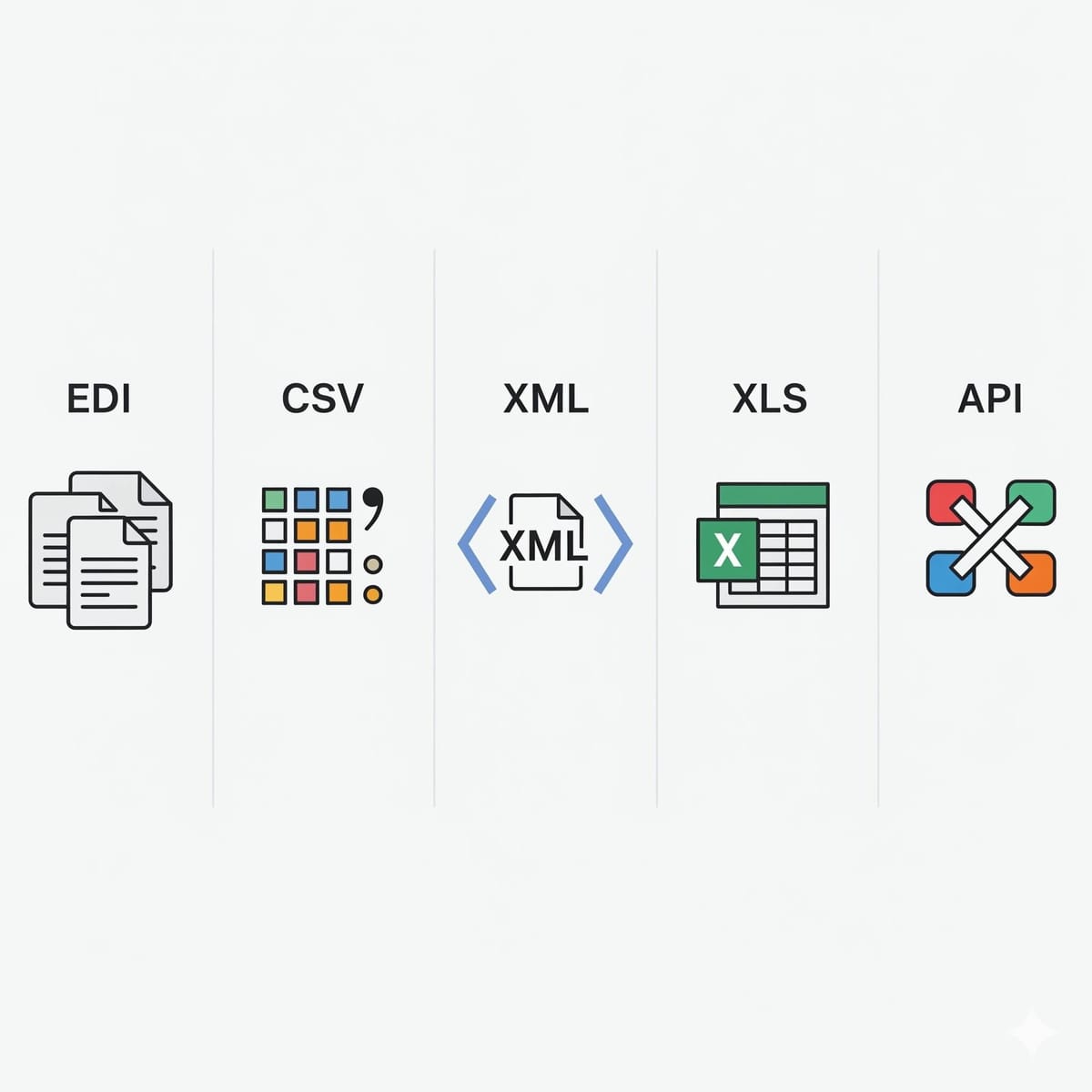
Hold a year-end enrollment file when its member records, plan mappings, coverage dates, or counts cannot be reconciled. Release the approved snapshot when validation passes and the receiving schedule is confirmed. Recheck the partner's response and the records actually loaded before you mark the delivery complete. A freeze protects a known version of enrollment data; it does not require you to ignore legitimate corrections.
For payers receiving EDI 834, spreadsheets, CSV, XML, or positional files, the key is to make the decision at the file and member level. One clean file can contain a member exception that needs follow-up. One late change can be urgent without requiring a rewrite of the approved year-end batch. Payer Control helps payer teams standardize these incoming formats, apply custom validation, monitor discrepancies, and make enrollment history visible to the people responsible for resolving them.
What an enrollment file freeze actually freezes
A year-end enrollment file freeze is a defined control point for a particular enrollment population and delivery cycle. Your team selects the source data to be used, records when that selection was made, validates the resulting file, and controls subsequent changes. The purpose is to give enrollment, EDI, claims, and customer service a common account of which version was approved for the new coverage period.
Be specific about the object being frozen. Is it the source-system snapshot, an outbound 834, a spreadsheet received from a group, a transformation map, or the population already loaded into the eligibility system? These can have different timestamps. An outbound file may be fixed while the source system continues to accept member updates. That is workable if the team can distinguish updates included in the approved batch from updates waiting for a later correction.
Record the cutoff time and time zone, included groups and products, intended coverage period, responsible approver, expected delivery, and exception path. Identify whether the delivery is a full replacement or a change-only file. That distinction affects how you interpret missing records: a member absent from a full replacement deserves different scrutiny from a member absent from a change-only batch.
The hold, release, and recheck decision
We recommend treating these as operational decisions supported by evidence, rather than informal descriptions of where a file sits in a folder. The person reviewing a batch should be able to explain why it was stopped, what made it safe to send, and how the team established its final outcome.
Hold when the data or delivery cannot be trusted
Hold means do not advance the affected file into the next scheduled release or load until an owner resolves the issue or approves a documented exception. A hold is appropriate when there is an unexplained difference between the source population and outbound file, an unmapped plan, conflicting coverage dates, or a subscriber and dependent relationship that cannot be resolved.
Also hold when you cannot tell which version is authoritative. A corrected spreadsheet arriving after an 834 was built should not quietly replace the data behind the approved file. Identify the records changed, decide whether to stop the pending delivery, and preserve both source versions and the decision. If a partner's response to a prior batch is still unresolved, assess whether the next file could repeat or reverse the same member update.
Release when checks pass and responsibility is clear
Release means that the approved version has passed the checks appropriate to its format and receiving partner, the intended destination is confirmed, and an accountable owner has authorized delivery. Approval should cover both file integrity and business meaning. An 834 can have a valid structure and still carry the wrong effective date or plan assignment.
For a CSV or Excel source, validate the values before and after translation into the format the recipient expects. Keep source and outbound counts separate. The number of spreadsheet rows may differ from the number of enrollment transactions after filtering, grouping, or transformation. The difference should be explainable rather than silently treated as a failure or a success.
Recheck after release, not only after transmission
Recheck means compare what you intended to send with what the receiving process reported and what reached the operational system. File delivery confirms movement. A 999 response to an X12 transaction addresses syntax acceptance at its reported level; it is not proof that every member's coverage was applied correctly. Review any partner-specific enrollment result or exception report available, then compare accepted member changes with the eligibility load.
A file should remain open in your operational record while material rejections, missing responses, or unexplained load differences remain. If a receiving partner offers no member-level response, record that limitation in the workflow and use the available load or eligibility evidence to investigate affected members. Do not substitute an assumption of success for a missing confirmation.
Build the freeze around six checks
1. Inventory the deliveries and agree on the cutoff
Start with every expected year-end enrollment source and destination. List the group, product, sending organization, receiving organization, file format, delivery method, coverage period, whether it is a full or change file, and the people who own it. Confirm partner operating windows and how corrections must be delivered. A schedule that works for one group or trading partner may not work for another.
Make the cutoff meaningful: a timestamp tied to a source extract and an approval decision. If an employer sends another version later, the team can then determine whether it belongs in the approved batch or in a subsequent correction. Without that distinction, a file name such as final becomes unreliable almost immediately.
2. Capture the source snapshot and expected movement
Preserve the source batch identifier and extraction time. Capture expected counts by group, plan, subscriber and dependent, and maintenance action. Separately identify effective dates that fall in the current coverage period and those intended for the next one. If a plan crosswalk is changing, confirm that the old and new plan identifiers resolve to the intended coverage rather than assuming a code change is cosmetic.
Compare the snapshot with the last approved population. A stable total can hide a bad result: one plan may lose members while another gains the same number. For member-level methods, see our guide to 834 reconciliation for adds, changes, and terminations. Where plan identifiers change at renewal, review plan crosswalk errors that can put members in the wrong coverage.
3. Validate each input before and after normalization
Check that each incoming file can be parsed and that required member values are present. Then check the business rules: member identifiers, subscriber and dependent relationships, group assignment, plan mapping, requested maintenance action, and coverage dates. Validate the normalized output as well. A source can be internally consistent yet translate into an incorrect outbound plan code or date.
Decide which exceptions block the entire file, which affect only identifiable members, and which can be reviewed without holding release. This should depend on the receiving partner's processing rules and your ability to isolate the affected records. Never remove a problem member merely to make counts pass without recording that exclusion and its follow-up owner.
4. Reconcile the intended actions
For each group and product, compare source and outbound totals for adds, changes, terminations, and dependent updates. Check records that changed coverage tier, moved plans, or disappeared from an expected full population. Review retroactive changes separately so an older effective date is not mistaken for a routine new-year start date.
File-level control totals help identify missing data, but member-level comparison explains where it went. Our article on 834 control totals and missing members covers why a count that balances at one stage still needs examination at later stages. If effective dates disagree across records, resolve their meaning before release rather than choosing the latest date by habit.
5. Approve, identify, and deliver the release
Save the version that passed validation, its results, the approving owner, and the intended destination. Confirm the correct trading partner, transport path, file naming requirements, and delivery window. Record identifiers that let you connect the outbound file to its responses. If an error is found after approval but before delivery, revoke or pause that approval and issue a new version. Do not silently edit the approved artifact.
Avoid sending a corrected full file when the partner expects an incremental change, or vice versa. The sending and receiving sides need the same understanding of replacement behavior. If that agreement is unclear, hold the release and establish it before transmission.
6. Close the loop with partner and internal results
After delivery, track the expected acknowledgment and any member-level result. Investigate rejected, suspended, or missing records. Match the source batch to the outbound version, partner response, corrected batch if any, and final internal eligibility load. Only then can you tell a claims or service colleague whether a disputed member update took effect, is awaiting processing, or needs a correction.
Keep open items visible across shift changes and holiday schedules. Give each exception one owner and a next action, including an expected response from a trading partner where applicable. Payer Control's eligibility processing supports multi-format intake, custom validation, real-time tracking, discrepancy alerts, and reporting back to trading partners, which helps teams follow enrollment data through these handoffs.
Which year-end exceptions need special attention
Coverage dates that cross the plan-year boundary
Inspect the effective date of the new coverage and the termination date of the old coverage together. An apparent gap or overlap can reflect a legitimate transition, a retroactive correction, or an error. Use the plan's agreed date rules and the member's actual election to decide. For a fuller decision process, read coverage date precedence in enrollment files.
Dependents who do not follow the subscriber
A subscriber's successful plan change does not, by itself, prove that every dependent has the expected coverage. Compare dependent records to their subscriber, relationship, coverage tier, and effective dates. If a dependent is absent from an expected full file or appears under a mismatched identifier, investigate before declaring the group reconciled. Our guide to dependent matching during open enrollment explains the related duplicate and orphaned record risks.
Late corrections to an already approved batch
Imagine a group sends a corrected enrollment record after its year-end file has been approved. First determine whether the file has been transmitted and whether the correction affects current coverage or a future effective date. If delivery has not happened, assess whether the approved batch must be stopped and rebuilt. If it has happened, use the agreed correction workflow and tie the new action to the earlier version. Preserve the original effective date, requested corrected date, reason, approver, and response.
Urgency should reflect member impact, not merely the time the change arrived. A correction needed to resolve an active coverage issue deserves faster escalation than a nonessential demographic update. Both still require a traceable path. The same principle applies to retroactive 834 changes, where a later file can alter a prior period.
Best practices for a controlled release
- Use one authoritative snapshot for each release. Record its source and timestamp, then create a new identifiable version if approved data changes.
- Separate structural checks from business checks. A readable 834 does not prove that members have the intended plans and dates.
- Reconcile at more than one level. Compare file totals, group and plan totals, maintenance actions, and individual exceptions.
- Set exception priorities before the cutoff. Agree who can approve an urgent change and which changes wait for the next delivery.
- Keep responses attached to their outbound versions. Do not let an acknowledgment for one batch stand in for the status of another.
- Give business teams access to status they can use. Enrollment and service teams need to distinguish a received update from an applied one.
For customer-facing questions, the distinction between a submitted record and an active record is especially important. Payer Control's customer service visibility offers subscriber and dependent lookup, historical records, discrepancy alerts, and audit histories so teams can investigate a member's enrollment history without relying on a raw file search.
Frequently asked questions
Does a file freeze stop all enrollment changes?
No. It fixes the approved version and routes later changes through a controlled correction process. Your team should define which urgent changes can proceed, who approves them, and how they will be identified in a later batch.
Should you hold the whole file for one bad member record?
It depends on whether the record can be safely isolated and how the receiving partner processes the file. If the issue may affect file integrity, replacement behavior, or other members, hold the file. If a member can be separated under the agreed workflow, document the exclusion and track its correction.
Is a 999 enough to mark an 834 complete?
No. A 999 reports X12 syntax acceptance or rejection at the level indicated in the response. Check available member-level results and confirm that the intended enrollment updates were applied in the relevant eligibility system.
What should you compare between a full file and the previous population?
Compare subscribers and dependents by group, plan, and coverage period, then investigate missing members, changed plans, altered tiers, and unexpected effective or termination dates. Do not rely on a single aggregate count.
What happens if a correction arrives after the release?
Keep the released file unchanged. Assess the member impact, obtain the required approval, send a separately identifiable correction in the format agreed with the partner, and verify its response and load.
When is the freeze work finished?
When the released batch has been matched to available partner responses and downstream results, and outstanding member exceptions have an owner and a follow-up path. A successful transmission alone does not close the work.
Make the approved version easy to prove
A dependable year-end freeze gives you a clear answer for each batch: which enrollment data was approved, which issues were held, what was released, and which member updates still need verification. Build those answers into the operating process before the cutoff, then preserve them as new files and corrections arrive.
If your team is managing that work across 834s, spreadsheets, and internal eligibility systems, talk with Payer Control about standardizing enrollment intake, validation, monitoring, and access to audit history.