Transparency in Coverage file validation is the process of checking that a payer's public machine-readable files can be accessed, parsed, interpreted, and traced back to the pricing data used to produce them. You need to test the public link and the data inside the file. A successful upload alone does not establish that a published rate is attached to the right network, provider, service, or plan.
For payer data teams, the practical approach is to validate each publication in layers: public access, file integrity, schema, business meaning, and source-to-output reconciliation. Keep the results tied to the exact file version, then route failures to the people who can fix them. Payer Control brings a related operational discipline to payer enrollment and claims data through multi-format processing, custom validation, alerts, reporting, and audit trails. Those controls are useful when your Transparency in Coverage workflow draws on the same upstream payer systems, while the public pricing files themselves require their own format-specific tests.
What Transparency in Coverage file validation covers
Transparency in Coverage machine-readable files publish pricing information, including in-network negotiated rates and out-of-network allowed amounts. For the data team, validation means proving that the information intended for publication survived extraction, transformation, file generation, and public delivery without unexplained changes. The applicable specification determines the required structure and fields; your internal controls determine how you detect missing, stale, or implausible business data.
Think of validation as a chain of evidence. If a rate looks wrong, you should be able to identify the public file, the record or reference containing the rate, the transformation that created it, and the source version behind it. If a file is unreachable, the investigation should begin with the public URL and publication process rather than a rate analyst. Clear boundaries between these problems save time.
This distinction matters because Transparency in Coverage files are not EDI 834 enrollment transactions or 837 claims. A claims file can help you investigate a related operational question, but claim payment data and publicly published negotiated rates have different meanings. Likewise, EDI syntax or WEDI/SNIP validation does not establish that a Transparency in Coverage file meets its own machine-readable file specification. Treat the workflows as connected sources of evidence, not interchangeable file formats.
The five-layer validation framework
1. Public access and discoverability
Test what a member of the public or an independent data user can reach, not what your team can access inside a company network. Start at the public location where the files are listed and follow the links to the actual machine-readable files. Check whether the intended file can be retrieved without a login, whether redirects lead to the correct resource, and whether linked files remain available after publication.
Record the requested URL, final URL, response status, retrieval time, file name, and download result. If a listing points to multiple files, test each link rather than treating the page itself as proof of availability. Recheck after deployment and throughout the publication cycle. A previously approved file can fail later because a link changed, a hosting rule was updated, or the public listing was replaced incorrectly.
2. File integrity and readability
After retrieval, confirm that the file is the expected type and is complete enough to process. Check compression when used, character encoding, file size against the expected publication, and whether the content parses successfully. Capture a cryptographic hash for the exact version tested. That hash helps you distinguish an unchanged file from a replacement published at the same URL.
A file that downloads but cannot be parsed should stop at this layer. Preserve the original bytes and the parser error so the generator owner can reproduce the problem. For large files, use a process that reads data incrementally rather than relying on a spreadsheet or a manual spot check. Sampling can help an analyst investigate suspicious records, but sampling alone cannot establish that the entire file is readable.
3. Specification and structural checks
A valid JSON document can still violate the applicable file specification. Test required objects, required fields, data types, allowed values, and relationships between referenced entities using a rule set matched to the file type and specification version. Check that referenced provider groups, services, and rate information resolve where the format requires them to.
Store the validation rule set and its version alongside the result. Without that detail, a pass recorded months earlier says little about which rules actually ran. When a specification changes, rerun representative files with the updated profile before changing production generation. Keep structural failures separate from business exceptions: a missing required object calls for a different fix than an unexpected but structurally valid rate.
4. Business relationships and data quality
At this layer, ask whether the published relationships reflect the payer's approved source data. A rate can be perfectly formatted and still belong to the wrong network. A provider reference can resolve in the file and still point to an outdated provider group. Review the combinations of plan, network, provider, service, billing basis, rate, and effective period that matter for your publication process.
- Flag missing identifiers or references that prevent a record from being interpreted.
- Detect unexpected duplicates using a business key defined for that file type.
- Check date ranges for gaps or overlaps that conflict with the source agreement.
- Compare rate values to the approved pricing extract and investigate changes that cannot be explained by a scheduled update.
- Separate genuinely invalid records from unusual values that need a network or contracting review.
Avoid a universal rate threshold. A value that looks extreme in one service or payment arrangement may be legitimate in another. Tie alerts to an approved reference source, a specific relationship, and a named reviewer. That makes an exception actionable instead of generating a long list of unexplained outliers.
5. Source-to-publication reconciliation
Reconciliation answers the most important operational question: did the records approved for publication appear in the final output as intended? Compare the source extract, the transformed intermediate data, and the published file. Count records at each stage, but also compare business keys. Totals can match even when one provider's records are missing and another's are duplicated.
For each file family, define which source records belong in scope, which exclusions are approved, and how one source record maps to a published structure. Report records present only in the source, records present only in the output, changed identifiers, and changed values. Record why an expected difference exists. If the file format groups or repeats data differently from the source, reconcile at a stable logical key rather than assuming raw row counts should be identical.
A publication workflow your team can repeat
Step 1: Register the files and their owners
Maintain an inventory for every file family and public location. Include the purpose, owner, source system, applicable specification, expected update cadence, and public listing or file URL. Identify who owns extraction, transformation, hosting, validation, and approval. This prevents a broken link from reaching the contract team and a wrong network mapping from sitting in an infrastructure queue.
Step 2: Freeze the source and the generation inputs
Before building a release, identify the approved source extract and the rules used to filter and transform it. Preserve the source version, effective period, and generation configuration. If a late contract update arrives, decide whether it belongs in the current publication before regenerating anything. Otherwise, two people may compare the same output against different source snapshots and reach different conclusions.
Step 3: Generate a candidate and run technical tests
Run file integrity, parse, and specification checks before sending a candidate into business review. Fail early when the file cannot be interpreted. Capture the exact candidate version, the validator profile, and errors in a form the generator owner can use. A generic message such as file failed offers little help; identify the failed rule and the relevant location in the data where possible.
Step 4: Reconcile and review business exceptions
Compare the candidate to the approved extract by network, provider relationship, service, and rate grouping. Assign exceptions to the owner of the underlying data. Ask the reviewer to choose a specific disposition: correct the source, correct the mapping, approve an expected difference, or block publication. Keep the reason with the record. The decision should survive beyond the meeting in which it was made.
Step 5: Approve, publish, and test again
Approval should identify the file version, open exceptions, and person responsible for the release decision. After publication, retrieve the file through its public link and compare the published version with the approved candidate. Do not assume that a successful internal handoff means the public location contains the same file. Continue checking access until the next replacement, and rerun validation when the published bytes change.
What a useful exception record looks like
The most effective exception records let another person reproduce and resolve the issue without searching a long email thread. For each failure, capture the file family and version, failing rule, affected business key or reference, severity, observed value, expected source, assigned owner, and final disposition. Where a value involves sensitive internal data, control who can see the underlying evidence.
A simple routing model helps:
- Access failure: the public link is broken or the file cannot be downloaded. Route to the publication or hosting owner.
- Technical failure: the file is truncated, cannot be decompressed, or cannot be parsed. Route to file generation and integration owners.
- Specification failure: required structure or data types do not pass the applicable rules. Route to the file generation owner.
- Business mismatch: a rate, provider, network, service, or effective period differs from the approved source. Route to the relevant data owner.
- Unexplained variance: source and published populations do not reconcile. Hold approval until the difference is classified.
Use severity to decide whether to block publication, investigate before the next release, or monitor a known condition. Set those decisions with compliance and the business owners ahead of time. If every warning is treated as a release blocker, people will learn to ignore warnings; if every warning is waived, the audit history stops being useful.
Measures that tell you whether controls are working
A pass or fail indicator is helpful at a glance, but it does not explain recurring problems. Track a small set of measures that show both file quality and the effort required to maintain it.
- Public availability: successful retrieval checks divided by attempted checks for each published file.
- Parse and specification results: the share of candidate files that pass technical and structural checks before approval.
- Unexplained reconciliation differences: source business keys missing from output or output keys absent from the approved source.
- Exception aging: how long a failed check remains open, grouped by owner and severity.
- Repeat failures: issues that recur after a mapping, source, or hosting correction.
- Version alignment: whether the file served publicly matches the file approved for release.
Review trends by file family rather than combining every result into a single score. A reliable download rate can hide a persistent provider mapping problem. Conversely, a clean source-to-output comparison offers little comfort if the public link is unavailable. Keep each measure tied to the decision it supports.
Where payer EDI operations fit, and where they do not
Many payer teams already handle difficult validation and reconciliation work in enrollment and claims. In an 834 workflow, they compare incoming member changes with records loaded into eligibility systems. In an 837 workflow, they distinguish a file-level acknowledgment from what happened to individual claims. Those habits translate well to Transparency in Coverage operations: preserve the original, trace transformations, reconcile meaningful units, and give business users a way to see exceptions.
For an example of why totals and acknowledgments must be interpreted carefully, see our discussion of claim-level acceptance versus file-level acceptance. The files and rules are different, but the reasoning is similar: a successful handoff does not prove every record reached the intended business state. Our guide to 834 control totals shows the same need to account for missing records before relying on downstream data.
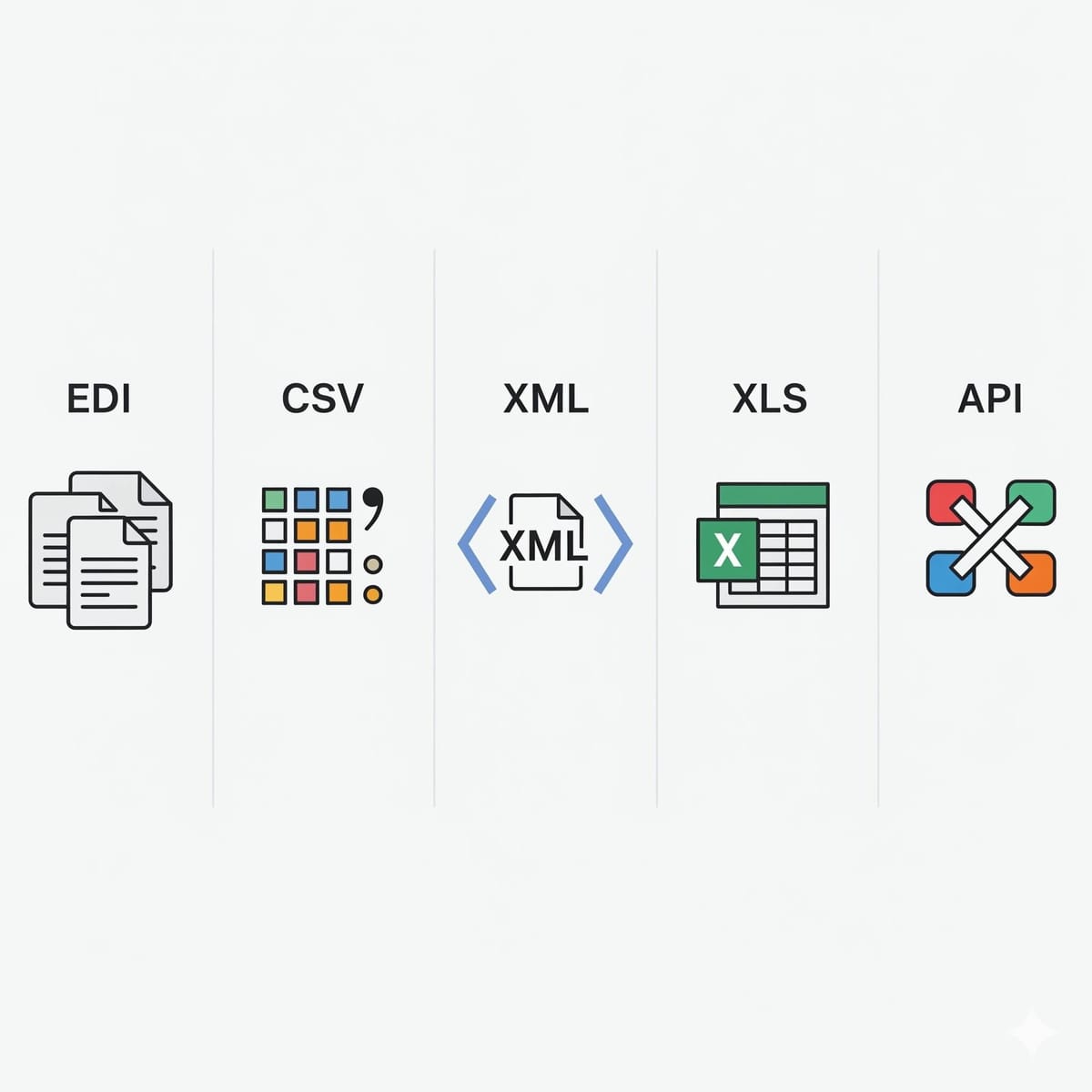
Payer Control helps payers standardize enrollment inputs across EDI 834, CSV, XML, and other formats, and its claims management capabilities include custom validations, automated error detection, monitoring, notifications, and audit trails. Those capabilities address upstream operational visibility and cleaner data flows. Transparency in Coverage publication still needs validation against its own file specification and public delivery requirements. The connection is a disciplined operating model and clear ownership across systems.
Best practices for a sustainable validation program
- Test the public copy. Internal staging results cannot establish that the public file is reachable and identical to the approved release.
- Version the evidence. Keep the file, hash, rule set, source snapshot, test outcome, and approval tied together so you can reconstruct a release.
- Make exclusions explicit. If source records are intentionally omitted, record the governing rule and the affected population before interpreting any count difference.
- Define business keys early. Agree on how to identify a rate relationship across source and output before building a reconciliation report.
- Review errors by cause. Separate broken links, parse errors, mapping defects, and source data defects so recurring problems get a permanent fix.
- Give business owners visibility. Network and pricing teams should be able to review their exceptions without depending on IT to interpret raw files.
- Retest corrections. Closing a ticket is an administrative event; a successful validation of the corrected public file is the actual control result.
Start with the files whose source lineage and public ownership are clearest. Build the inventory and end-to-end evidence trail for those files, then extend the same control pattern to more complex file families. This is more useful than creating a long checklist that no one can apply consistently.
Frequently asked questions
What is the difference between file validation and rate validation?
File validation asks whether the public file is accessible, readable, and structurally compliant with the applicable specification. Rate validation asks whether the published values and their provider, service, and network relationships agree with approved source data. You need both to assess the publication.
Does a successful download mean a Transparency in Coverage file is valid?
No. A downloadable file can be truncated, fail parsing, violate structural rules, or contain incorrect business relationships. Test the downloaded content and reconcile it to its approved source.
Should a payer compare published rates directly with paid claims?
Not as a simple equality test. A paid claim can reflect details and adjustments that differ from a published negotiated rate. Use claims information to investigate a specific question, and reconcile the publication first against the approved rate and provider data used to create it.
How often should validation run?
Run full structural and source reconciliation checks for each candidate publication and whenever its content changes. Test the public copy after release and monitor public access between releases. Set the monitoring schedule around your publication process and the impact of an unavailable file.
What evidence should a payer retain for a publication?
Keep the approved source version, generation configuration, candidate and published file versions, hashes, validation profile, results, reconciliation report, exception decisions, approval, and public retrieval result. Together, these show what was tested and what was actually served.
Can existing EDI validation replace Transparency in Coverage file checks?
No. EDI transactions and Transparency in Coverage machine-readable files use different formats and rules. Existing payer controls for audit trails, alerts, data ownership, and reconciliation provide a useful foundation, but the published files need tests matched to their own specification and public delivery path.
Make each publication explainable
You should be able to answer four questions about any published file: Can the public retrieve it? Does it pass the applicable format rules? Does its content match the approved business source? Who reviewed and resolved the differences? When those answers are linked to the exact file version, validation becomes a repeatable operating control rather than a last-minute manual check.
If your payer team is also working to make enrollment, eligibility, and claims data easier to validate and trace across departments, talk with Payer Control about the upstream data visibility and integration work behind a stronger publication process.